

Fast Passport Photo Background Remover Online Free - How-to Guide
This guide introduces a fast passport photo background remover online free to help you remove background from a photo easily and quickly. Check the step by step here now!

By Jonna Updated on May 19, 2026


Looking for a photo background remover app for passport photos.
I need a reliable and user-friendly tool that can easily remove background from the passport photo. Also, the app should have the option to replace the background with a plain white or light-colored background to meet passport photo requirements.
Nowadays, creating a compliant passport photo no longer requires a studio visit or expensive photo editing software. With modern AI tools, you can prepare a professional passport photo from home in minutes. This is exactly why a passport photo background remover has become necessary.
In this guide, we'll walk you through what the official passport photo requirements are, and how you can easily remove and replace the background of passport photo using a free 4K background remover - UltraPic.
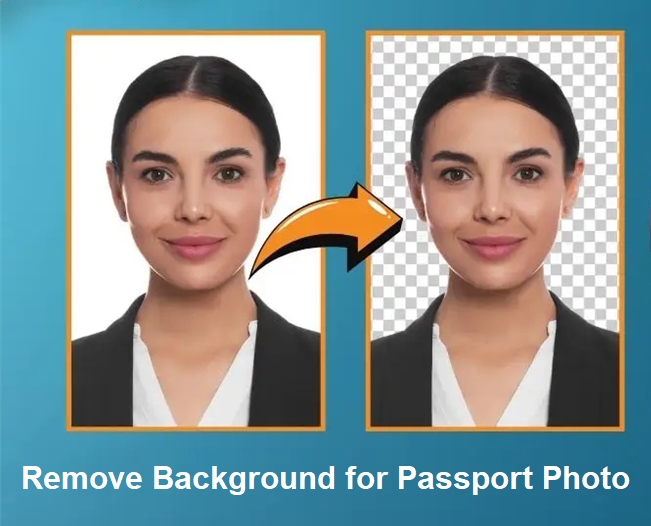
Passport Photo Requirements
Before touching any editing tool or learning how to remove background for a passport photo, it is essential to understand what makes a passport photo acceptable.
Usually, different countries have slight variations, but most follow similar international standards. There is no doubt that ignoring these rules can result in delays or outright rejection.
General passport photo background rules:
- Background color: Plain white or light gray
- No patterns or textures: Solid, uniform background only
- No shadows: Especially behind the head or shoulders
- No objects or people: Only the applicant should appear
- Even lighting: No bright spots or dark areas
Photo size and composition:
- Neutral facial expression
- Face centered and fully visible
- No head tilts or angled poses
- Eyes open and clearly visible
- No heavy filters or retouching
Some countries also specify pixel dimensions and head size ratios. When you remove background and make passport size photo, these proportions must remain intact. If the background removal cuts into hair edges, ears, or shoulders, the photo may be flagged as digitally altered. So accuracy matters as well.
Online Passport Photo Background Remover - UltraPic
With the requirements clear, let's go to a practical solution for passport photo removing background - UltraPic. This is an AI-powered online photo-processing tool designed to quickly and accurately remove photo backgrounds. It also offers additional passport photo-editing functions such as object removal, photo retouching, and more. It works directly in the browser, requires no downloads, and delivers high-quality results suitable for official documents.
Unlike traditional photo editors, UltraPic focuses on automation. The AI detects the subject, separates it from the background, and replaces background with a solid color. This process minimizes human error and speeds up the workflow significantly. It is especially useful for passport photos because it prioritizes edge accuracy. Hair strands, ears, and facial contours are handled cleanly, which is essential for official submissions.

Remove Backgrounds from Images in Seconds
Get clean, conversion-ready photos instantly with AI.
- AI-powered subject detection for portraits
- 1-click background removal with minimal manual input
- Clean edge refinement for hair and facial details
- Support for high-resolution image export
- Browser-based processing with no software installation


How to Remove Background for Passport Photo Easily
Removing passport photo background with UltraPic does not require advanced editing skills. Here is how to remove background and make passport size photo in seconds.
Step 1. Prepare Your Passport Photo. Choose a clear passport photo in high resolution. Make sure your face is fully visible, centered, and not cropped too tightly.
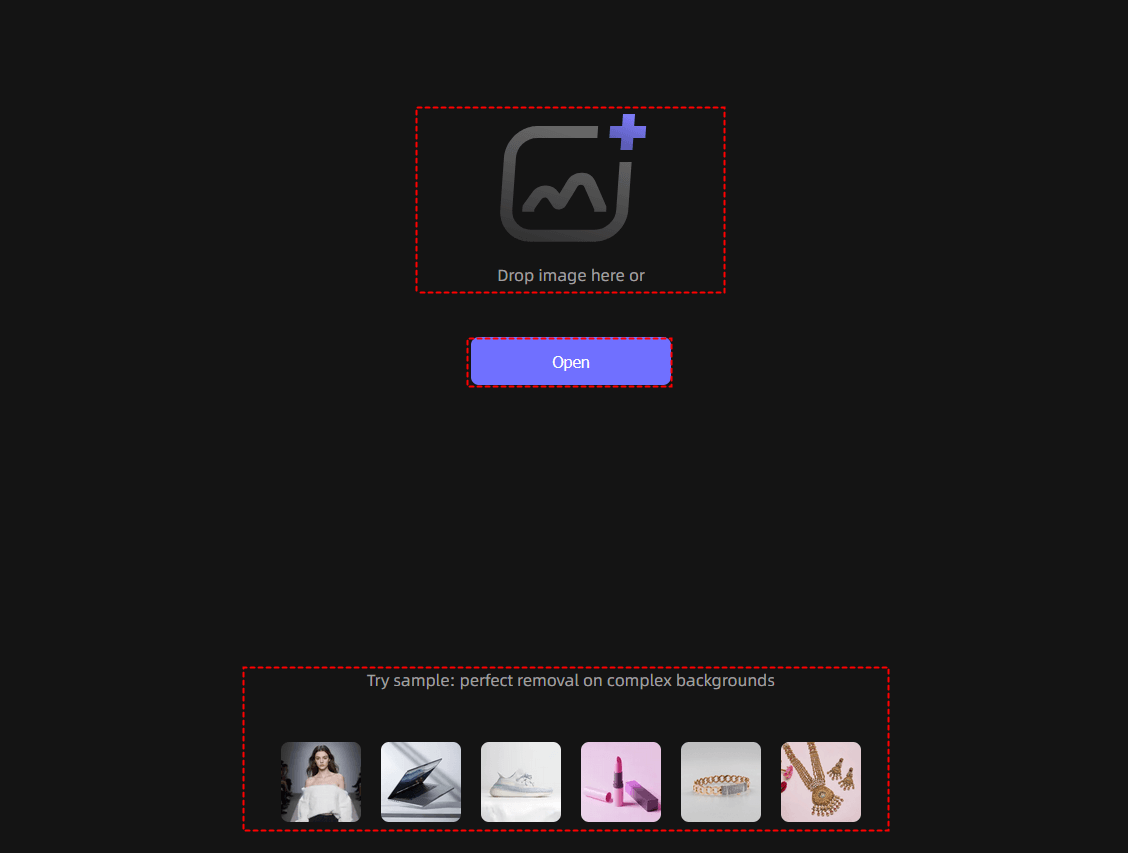
Step 2. Upload the Passport Photo to UltraPic. Go to the UltraPic passport photo background remover online free in your browser, upload the passport photo. Once uploaded, its AI automatically detects the subject and removes the existing background within seconds.
Step 3. (Optional) Set with Passport Approved Background. Select a plain white or light gray BG color under Presets.
💡Refine Mask: It is used to manually fine-tune the edges of the cutout if they aren't perfect.
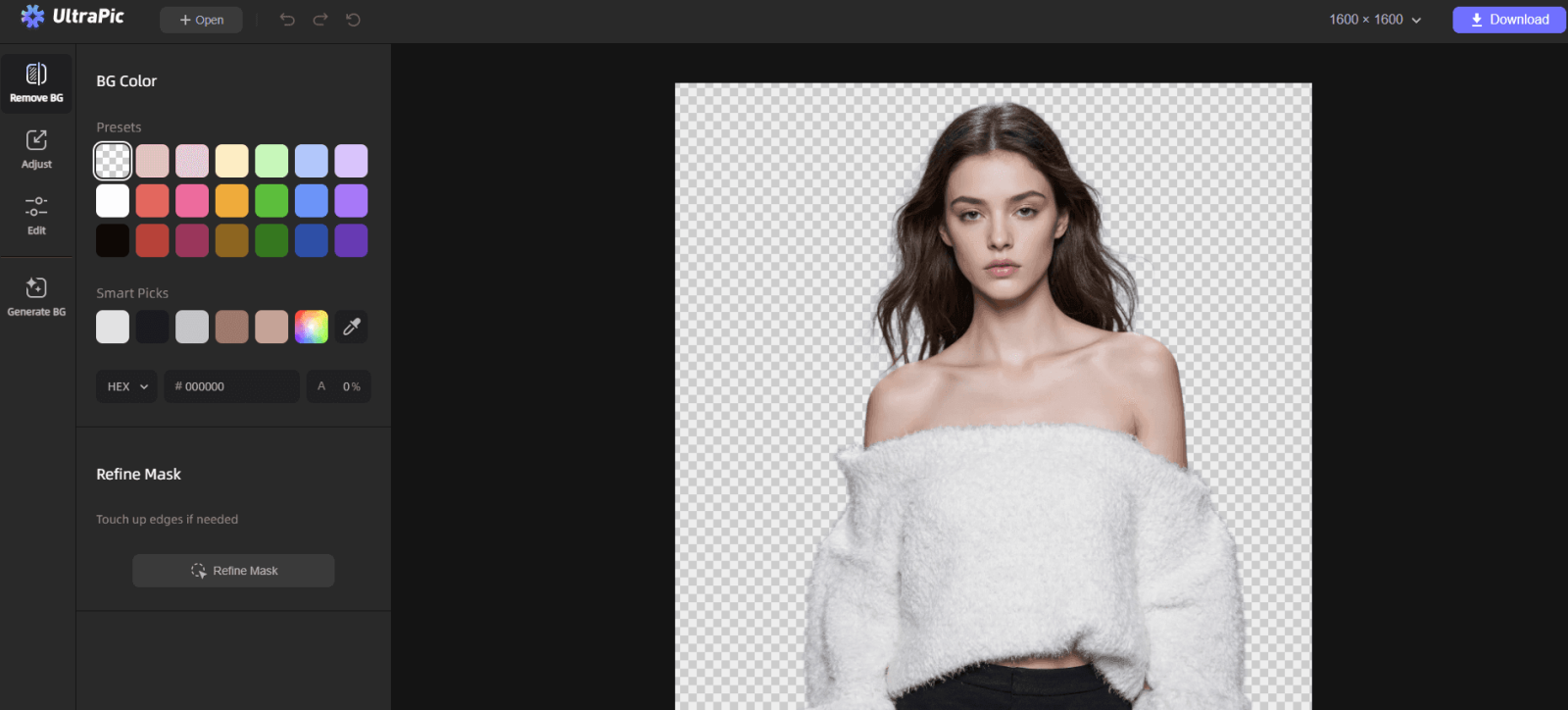
Step 4. Download the Final Image. You can zoom in and check the hair edges, ears, and shoulders, and no leftover shadows or artifacts to make sure the photo is perfect. And click Download > Download Original to export the profile image.
FAQs on Passport Photo Removing Background
1️⃣ Are you allowed to remove the background for a passport photo?
Yes - as long as the final photo meets official requirements. Passport authorities don't forbid background removal itself; they care about the final appearance. If the background is plain, uniform, and unedited in a misleading way, it’s generally acceptable.
2️⃣ How accurate are background removers?
Modern AI background removers are highly accurate, especially for portrait photos. They can detect fine details like hair edges and ear outlines with impressive precision. Accuracy depends on image quality, lighting, and contrast. Using a trusted tool significantly reduces the risk of visible artifacts.
3️⃣ Which is the best app to remove the background of a photo?
There’s no single answer for every use case, but for passport photos, tools that focus on portraits and clean edges perform best. UltraPic stands out because it combines automation with output suitable for official documents.
Conclusion
A passport photo may look simple, but behind that simplicity lies a strict set of rules, especially when it comes to backgrounds. Using a reliable passport photo background remover like UltraPic takes the guesswork out of the process and helps ensure your application isn’t delayed due to photo issues.
Besides, this fully-featured photo editing tool also comes with other functions like generating custom background for photos, retouching photos, and so on. Get this tool, and give it a try now!

