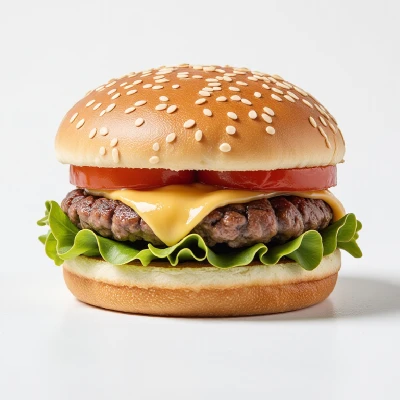
Why Choose UltraPic Remove White Background

How to Remove White Background in 3 Simple Steps

  • Step 1. Upload

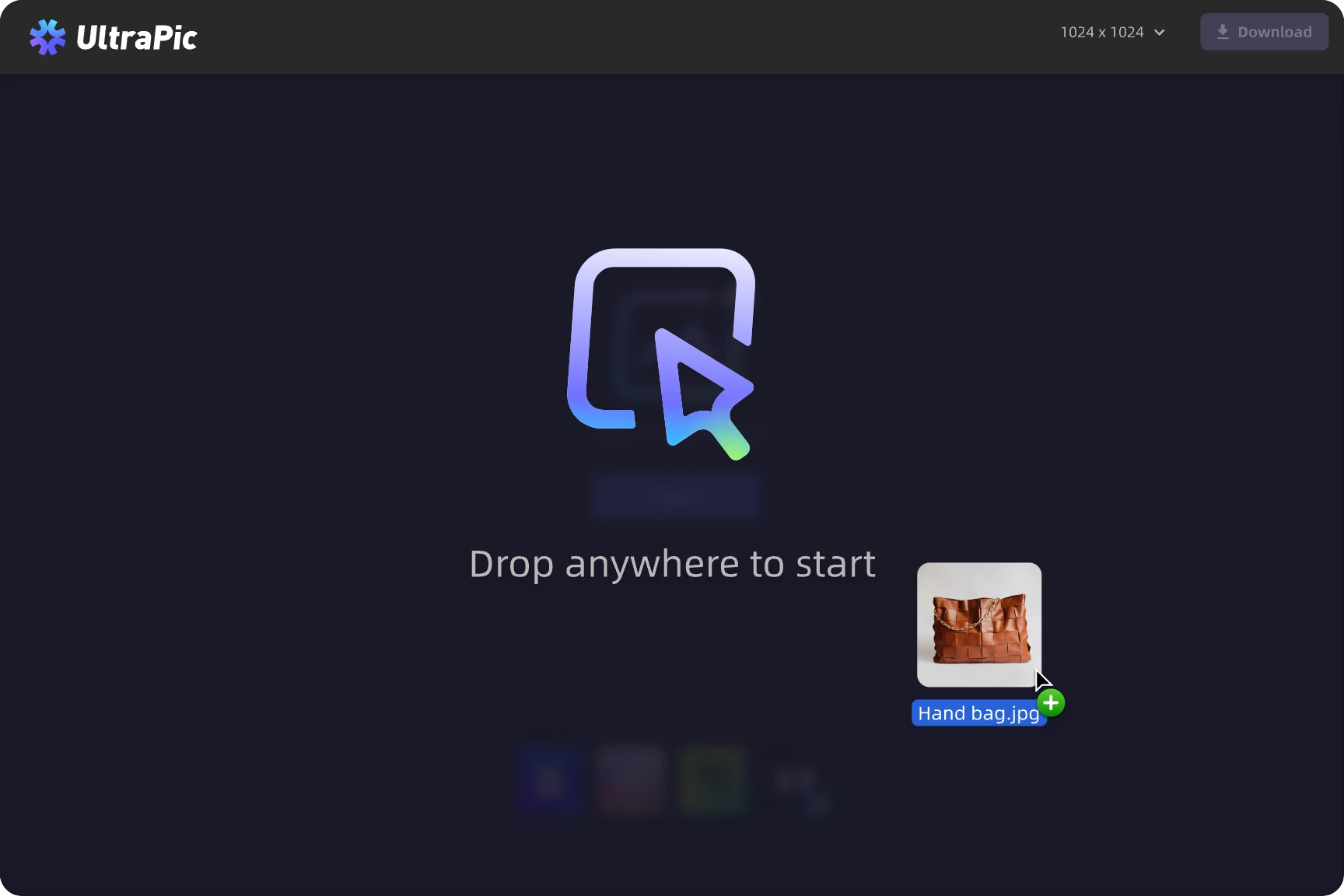
    Upload your image in PNG, JPG/JPEG, WEBP and more common format.

  • Step 2. Remove

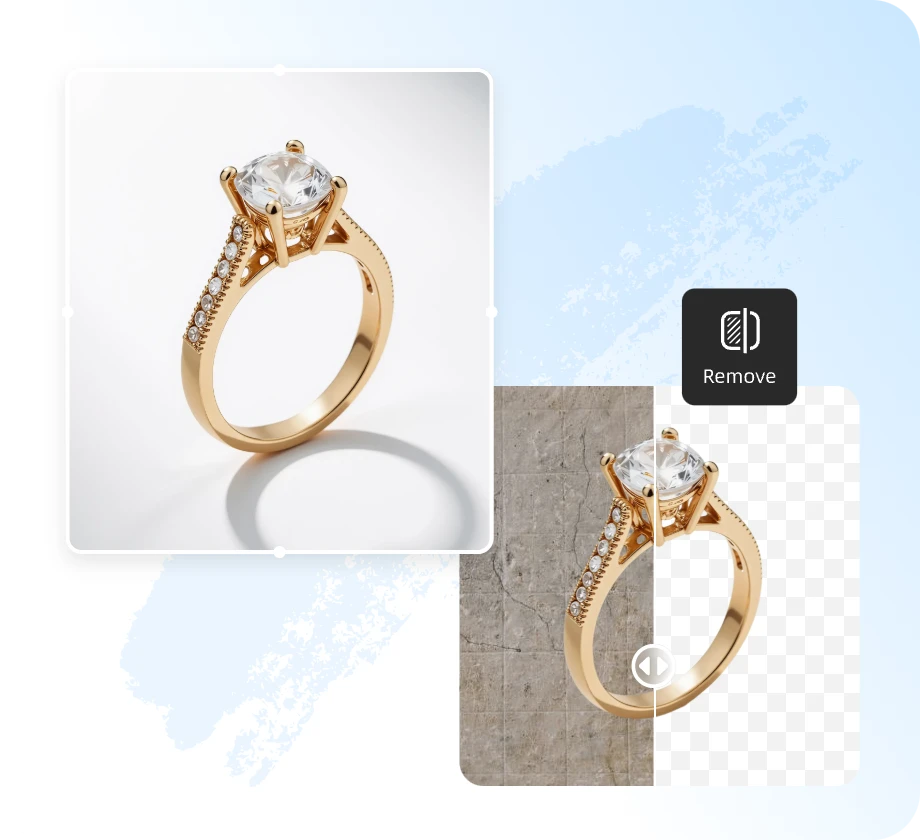
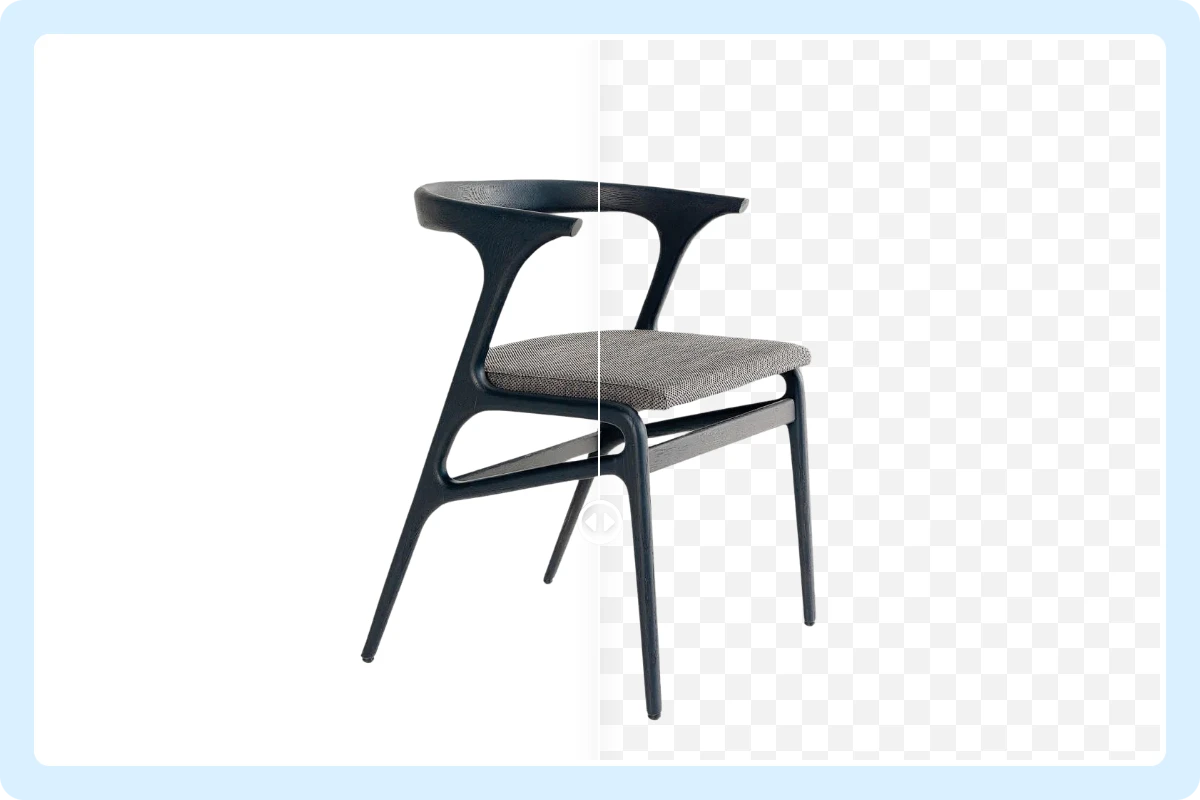
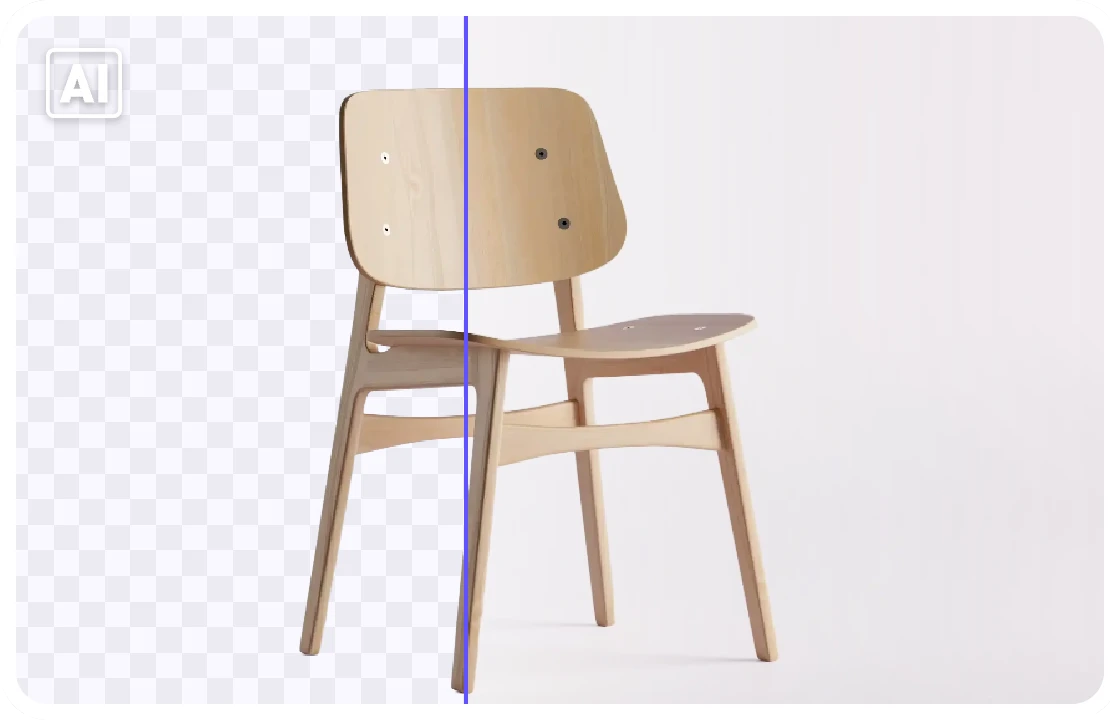
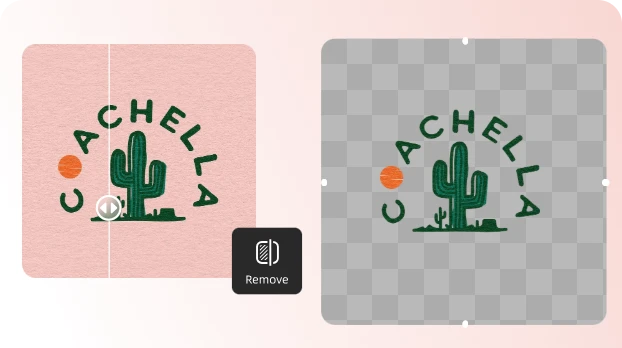
    Our smart AI instantly detects edges and removes the background with pixel-perfect precision.

  • Step 3. Download

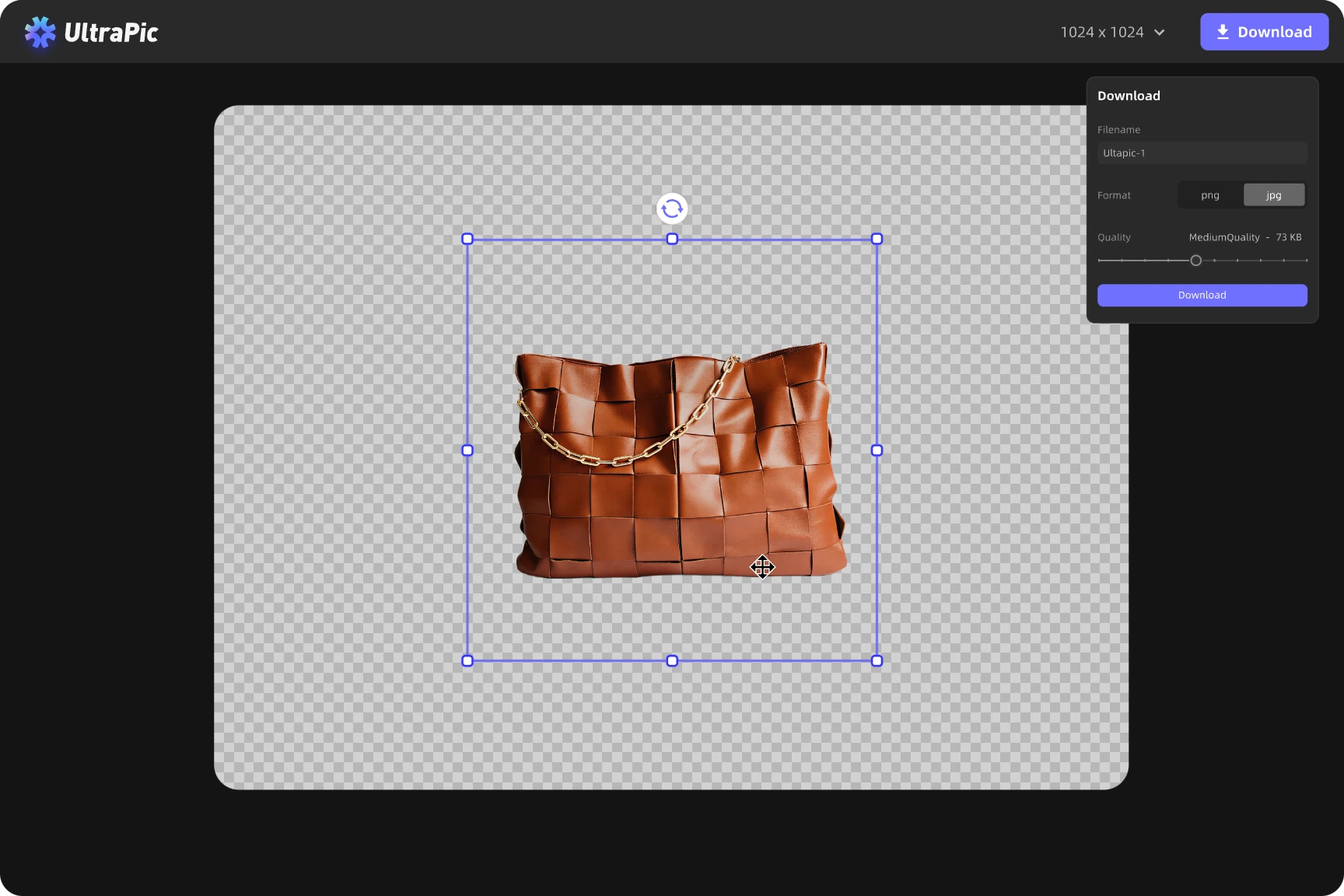
    Preview, fine-tune if needed, and download your clean, high-quality image as a transparent file.

  • Tips You May Need

    After removing the background, you can refine your image, such as replace the background with a new one to get the perfect look for your image.
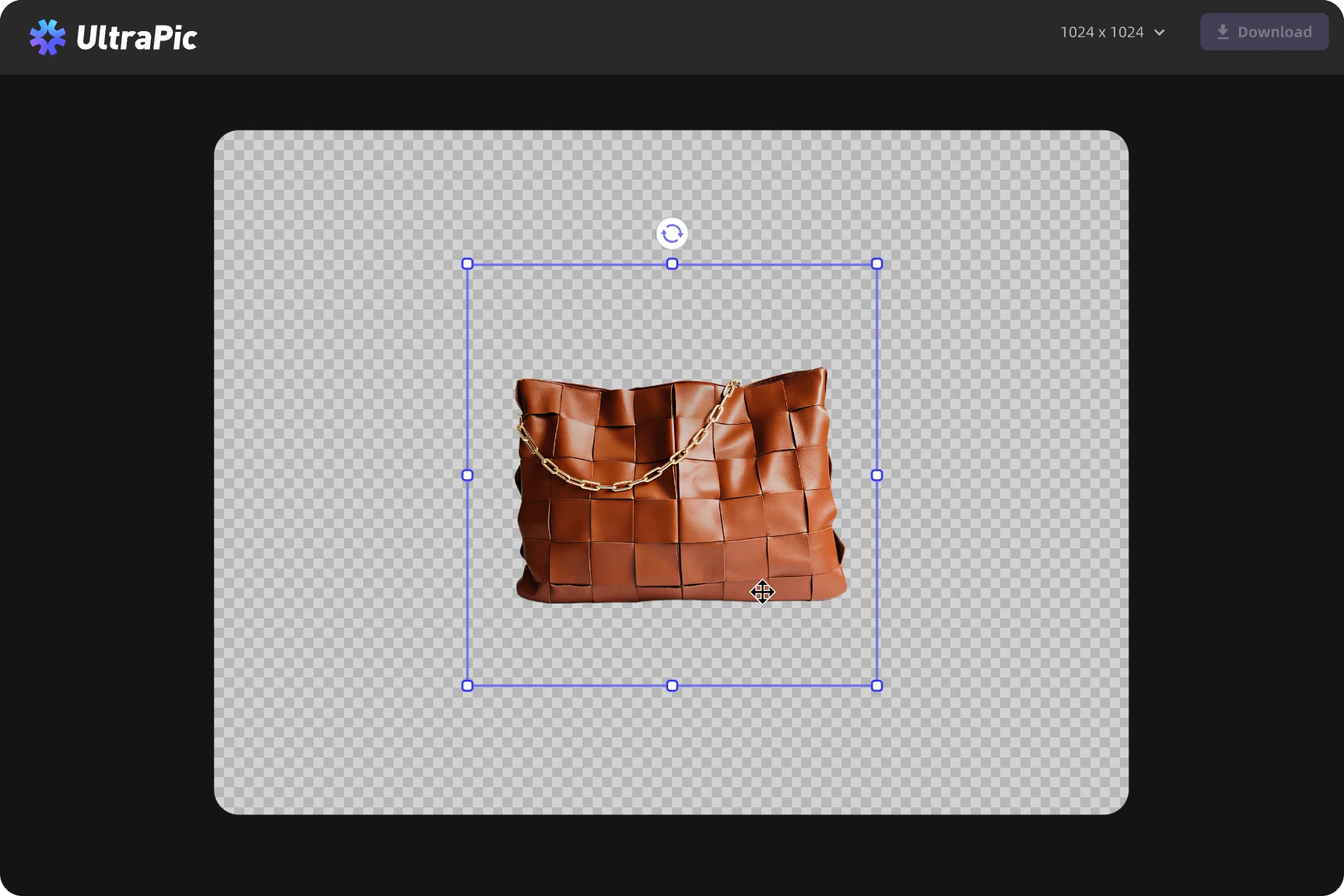
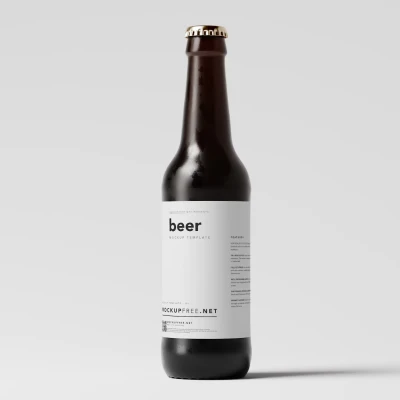
Get Clean Amazon Product Photos

Remove unwanted white background to create professional Amazon-ready product images.

  • 1. Highlight product details with clean and distraction-free backgrounds
  • 2. Prepare images suitable for Amazon and other marketplaces.
  • 3. Make product listings more appealing and trustworthy.
Free Remove BG Now

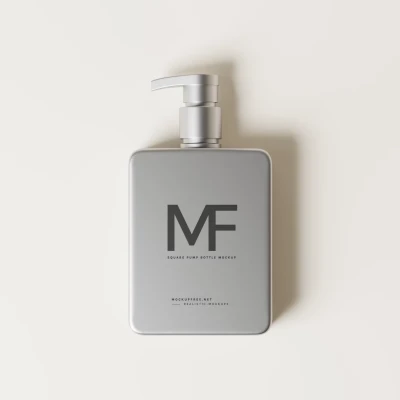
Create Transparent Ecommerce Product Images

ERemove white background to generate transparent product photos for online stores.
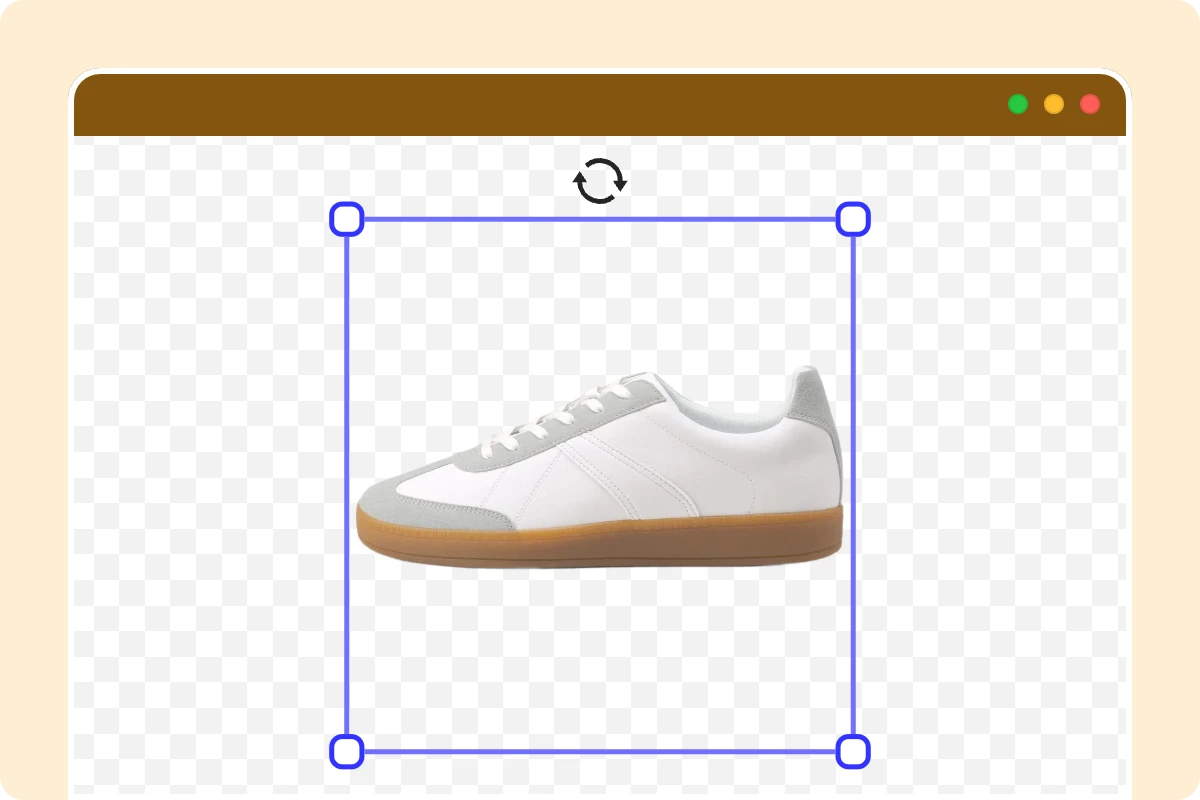
  • 1. Display products clearly on any website or store layout.
  • 2. Improve visual consistency across ecommerce platforms.
  • 3. Download transparent images ready for immediate use.
Free Remove BG Now

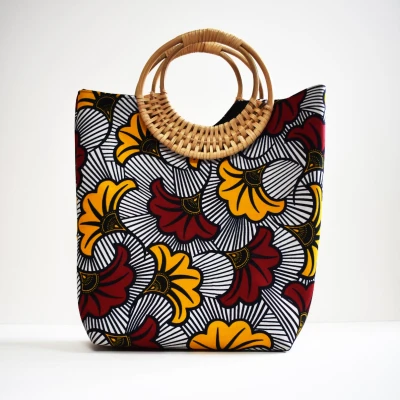
Enhance Product Images for Marketing and Catalog Use

Convert product photos into clean, professional visuals for marketing materials.

  • 1. Keep every detail crisp, no color loss or edge blur.
  • 2. Perfect for websites, presentations, and product branding.
  • 3. Improve overall visual quality for marketing campaigns.
Free Remove BG Now

More Than Remove White Background

Go beyond background removal, enhance, and customize your images with ease.
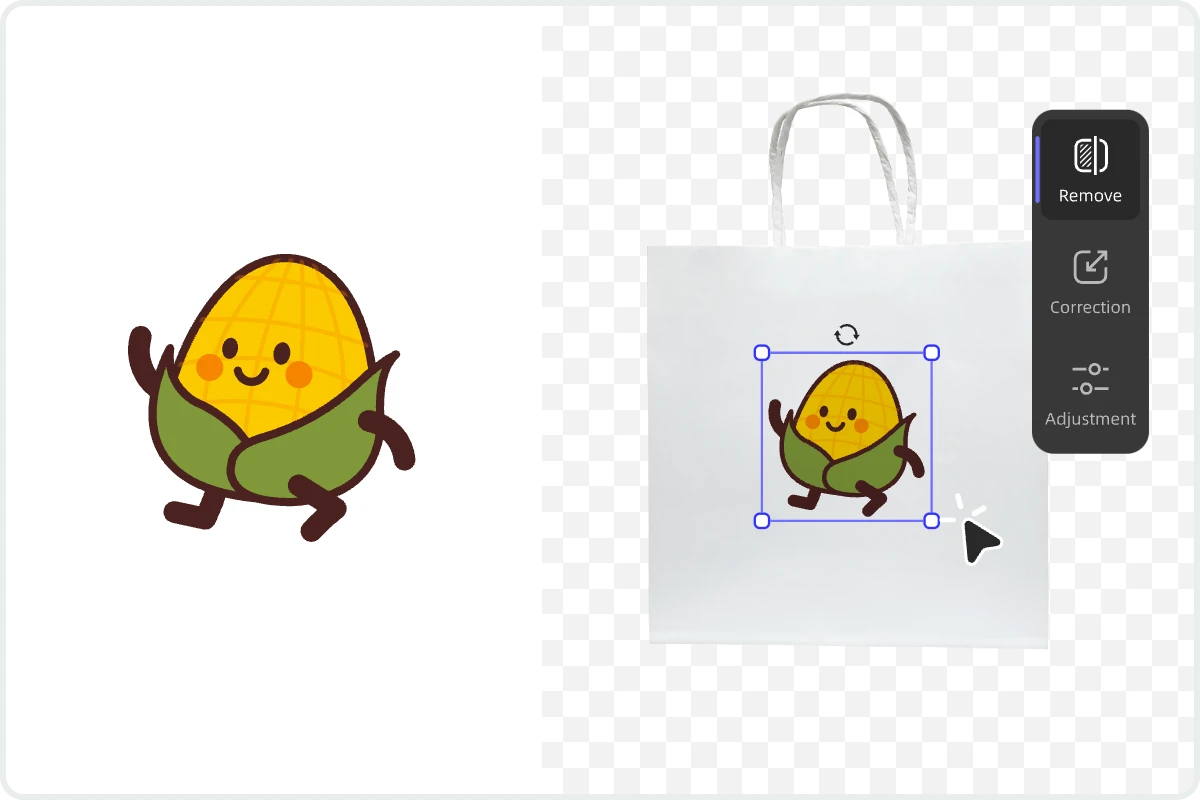
  • 1. Replace Backgrounds Freely: Add studio, lifestyle, or creative AI-generated scenes to match your brand.
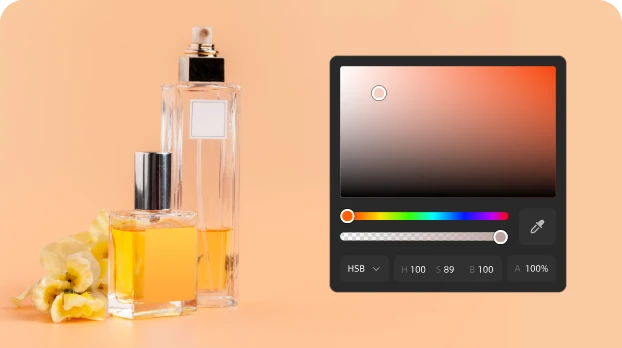
  • 2. Enhance Every Detail: Adjust brightness, color, and clarity for a professional finish
  • 3. Batch Edit Made Easy: Process up to 50 photos at once and keep your visuals consistent.
Free Remove BG Now

More UltraPic Tool to Explore

Remove Background

Instantly remove background and get a clean, transparent image in one click.

Background Generator

Create new backdrops automatically — from studio looks to creative scenes.

Batch Editor

Edit up to 50 photos at once and keep your visuals consistent and ready to publish.

Brightness & Color Adjustment

Fine-tune lighting and tones to make your images look vibrant and natural.

Angle & Rotation Tools

Perfect your composition by rotating, flipping, or aligning your photos easily.

Smart Crop & Resize

Automatically crop and resize images for e-Commerce, social media, or print in seconds.

Add Custom Backgrounds

Upload or design your own backgrounds to personalize your images any way you want.

AI Product Photography

Automatically refine lighting, colors, and details for professional-quality product images.
Get Started For Free

UltraPic , Do More with Your Logo Image

Remove White Background from Logo Free

Enhance Your Image in Seconds with Free AI Background Generator

Free AI Image Background Remover in Seconds

Frequently Asked Questions

How do I remove white background from product photos?

UltraPic automatically detects and removes white backgrounds from product photos using advanced AI. Simply upload your image, and the tool will isolate your product and generate a transparent background version in seconds, ready for ecommerce or marketing use.

Will removing the white background affect the image quality or size?

No. The original quality and resolution are preserved. You'll get a clean, transparent image without compression or detail loss.

What's the best file format to save my transparent image?

We recommend saving your image as a PNG file — it keeps transparency and high quality, perfect for logos, product photos, or web use.

Does UltraPic support batch editing?

Yes, UltraPic supports batch background removal, allowing you to process multiple product images at once. This helps ecommerce sellers save time and maintain consistent image quality across their entire product catalog.

Remove
White Background

Get Started For Free
  • No threshold
  • High precision
  • Free unlimited use