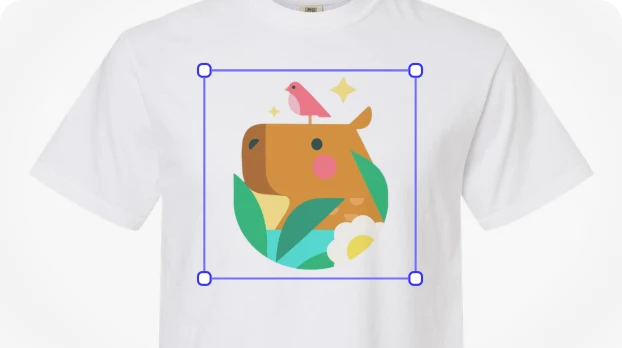
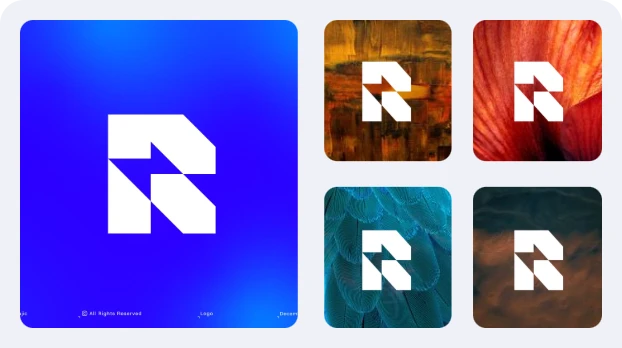
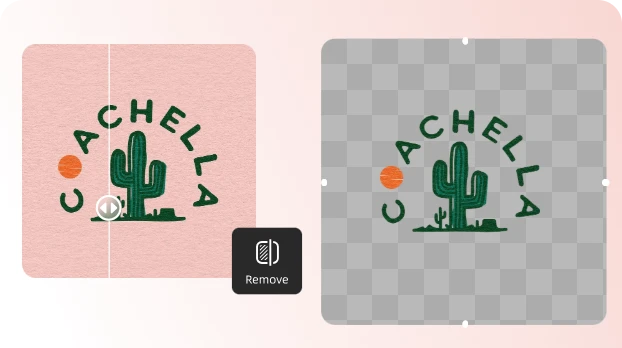
Why Choose UltraPic Remove Background from Logo

How to Remove Logo Background in 3 Simple Steps

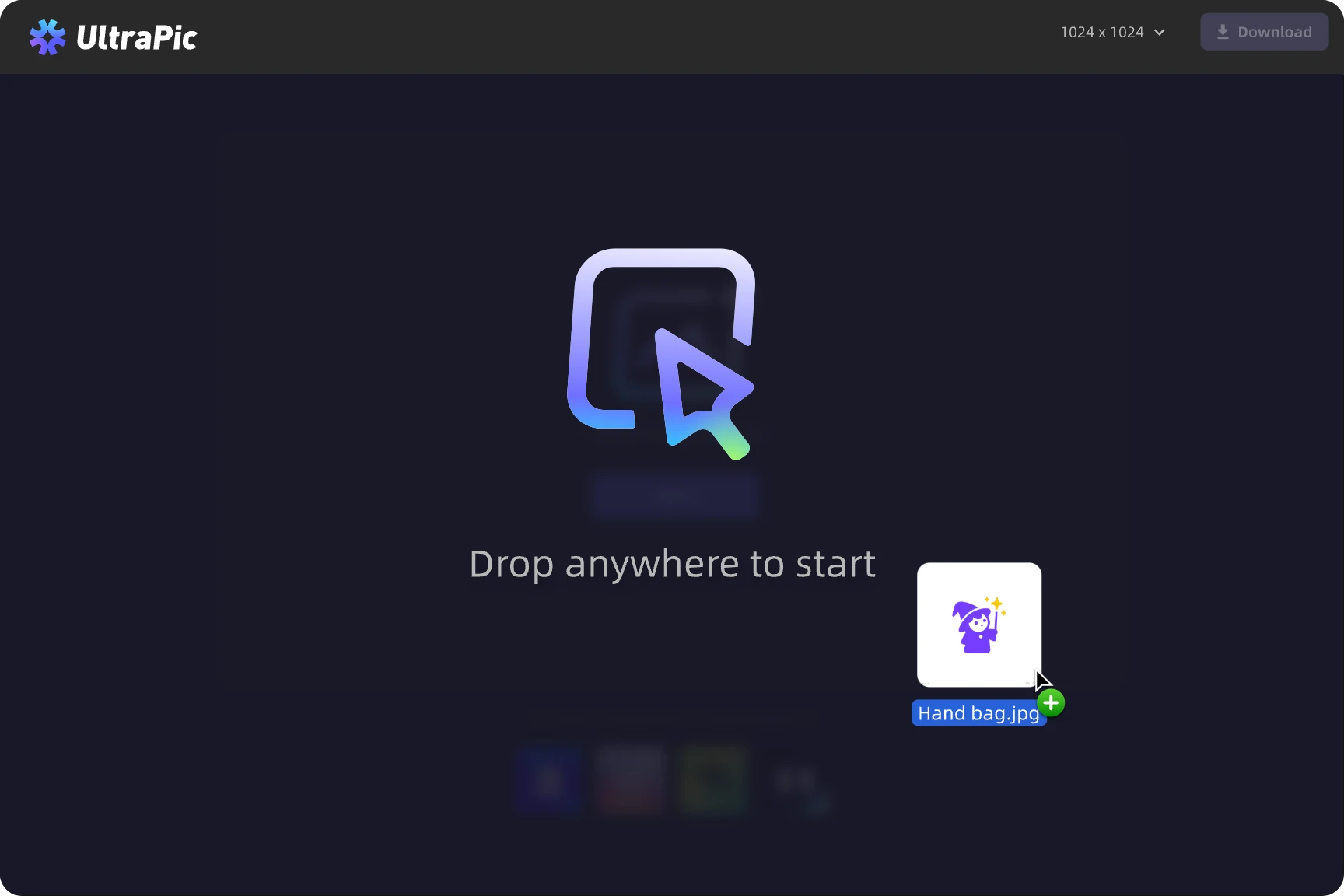
  • Step 1. Upload

    Upload your logo in PNG, JPG/JPEG, WEBP and more common format.

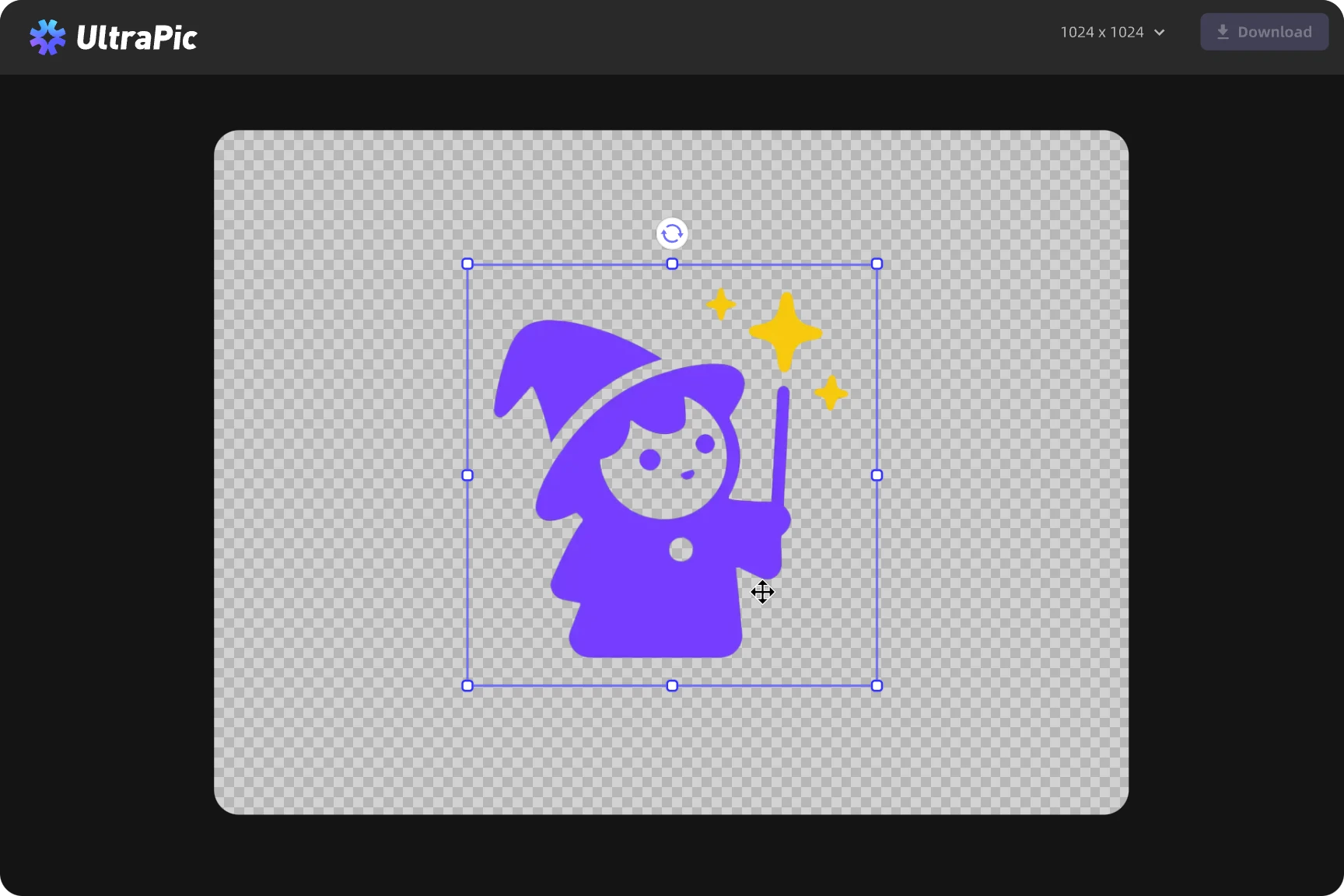
  • Step 2. Remove

    Our smart AI instantly detects your logo edges and removes the background with pixel-perfect precision.

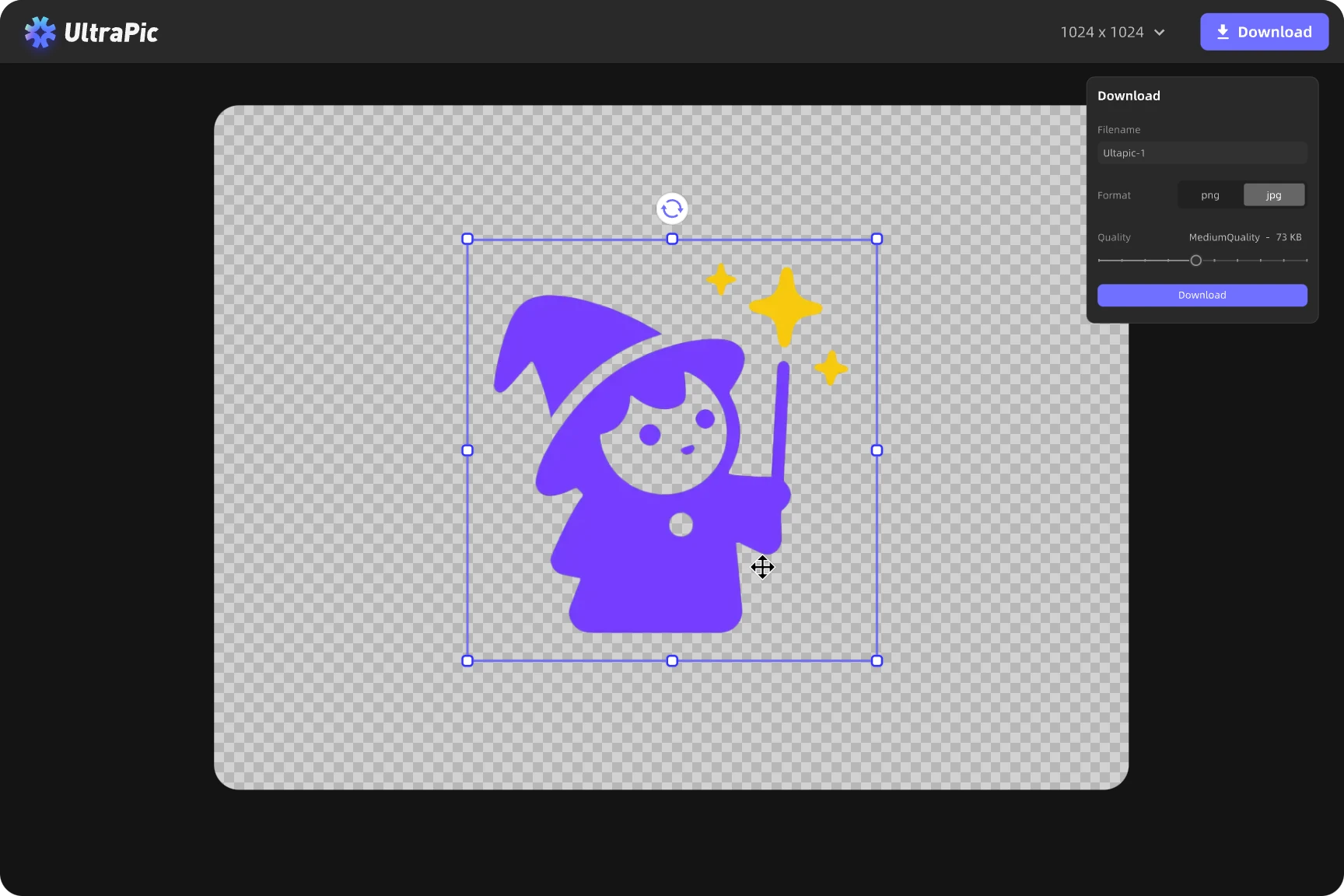
  • Step 3. Download

    Preview, fine-tune if needed, and download your clean, high-quality logo as a transparent file.

Remove Background from Logo Online in Seconds

Get a transparent logo background right in your browser. Just fast, clean results.

  • 1. Freely online and works on any device.
  • 2. Smart AI detects and removes even tricky backgrounds.
  • 3. Free to use, with instant preview and download.
Free Remove BG Now

Easily Remove White Background Logo

Remove white or solid-color backgrounds instantly and make your logos stand out anywhere.

  • 1. One-click removal for any white or colored background.
  • 2. Ideal for social media, websites, or marketing materials.
  • 3. No design skills required.
Free Remove BG Now

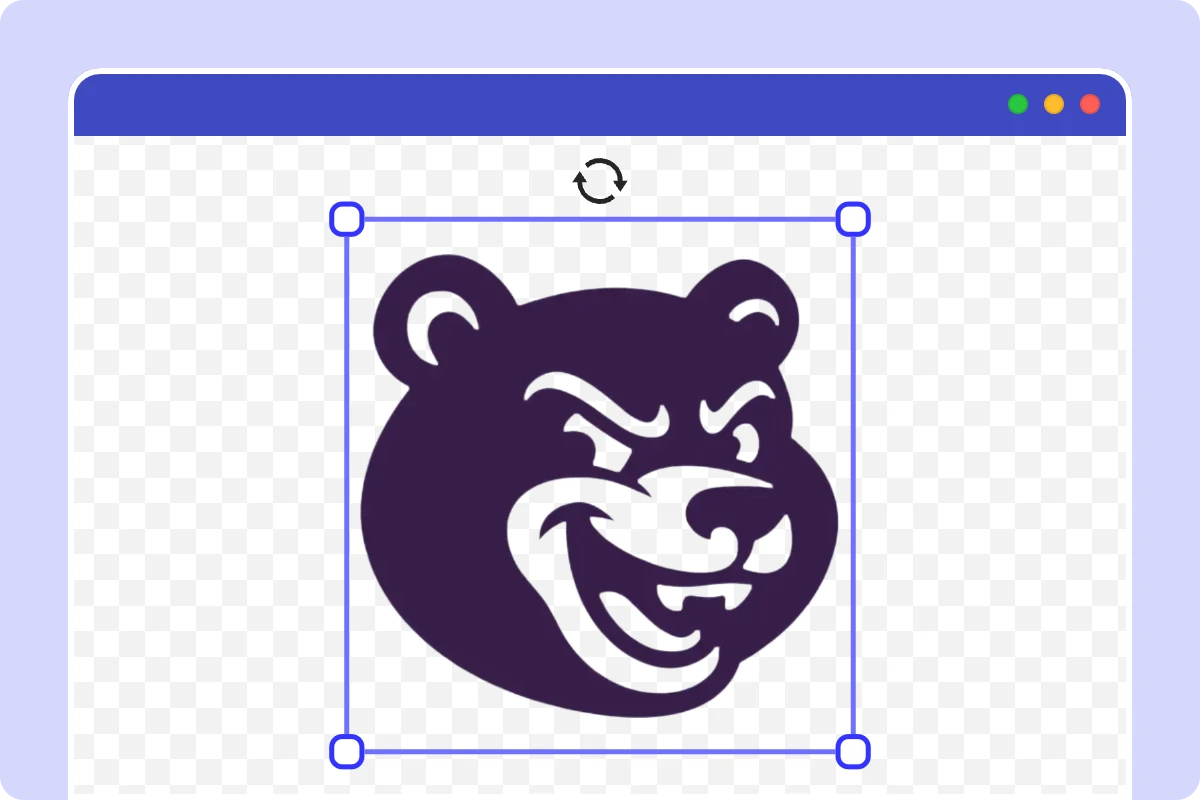
Instantly Make Logo Background Transparent

Create clean, professional, and transparent logo backgrounds in seconds.

  • 1. Keep logo edges crisp with AI-powered precision.
  • 2. Maintain original logo colors and details flawlessly.
  • 3. Download transparent PNGs ready for any platform
Free Remove BG Now

Edit More Than Just Logos

Take your visuals further with smart editing tools that let you fine-tune every detail and elevate your brand presentation.
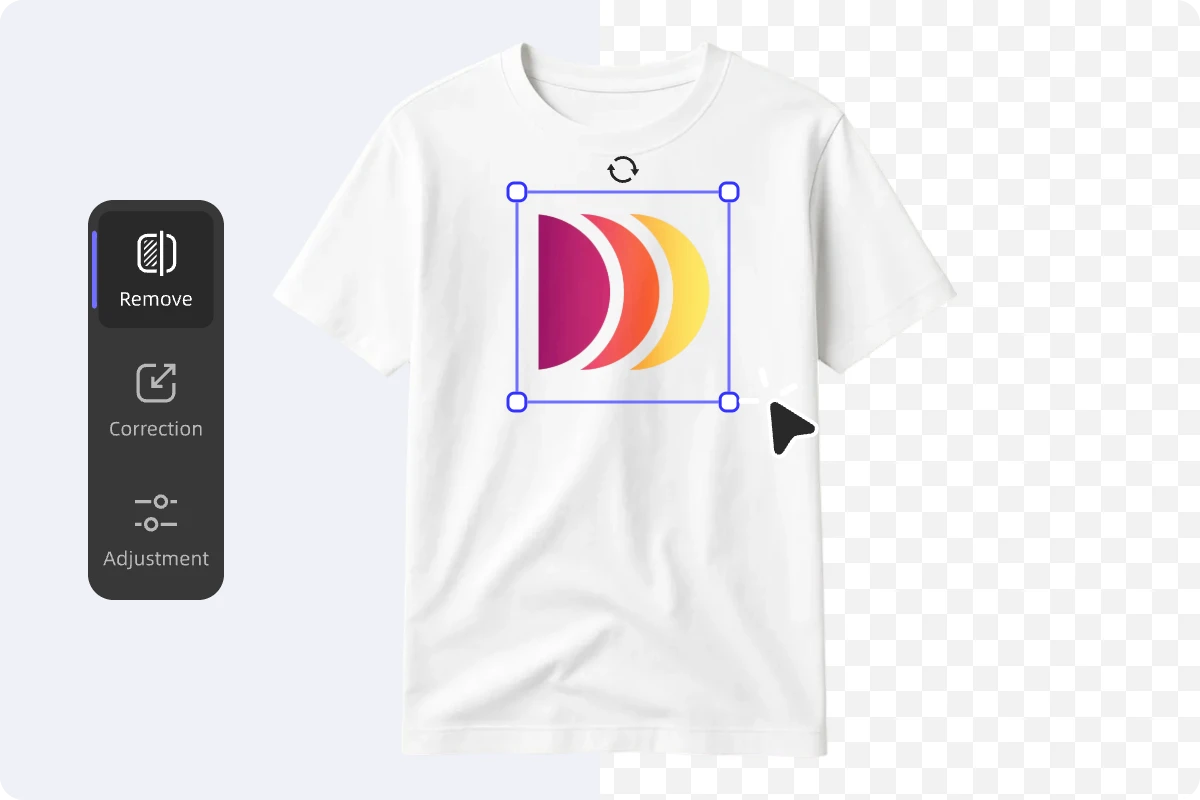
  • 1. Adjust brightness, contrast, and colors with precision.
  • 2. Resize, crop, or add realistic shadows for a polished look.
  • 3. Place your logo, product shots, or designs on custom backgrounds to match your brand style.
Free Remove BG Now

More UltraPic Tool to Explore

Remove Background

Instantly remove background and get a clean, transparent image in one click.

Background Generator

Create new backdrops automatically — from studio looks to creative scenes.

Batch Editor

Edit up to 50 photos at once and keep your visuals consistent and ready to publish.

Brightness & Color Adjustment

Fine-tune lighting and tones to make your images look vibrant and natural.

Angle & Rotation Tools

Perfect your composition by rotating, flipping, or aligning your photos easily.

Smart Crop & Resize

Automatically crop and resize images for e-Commerce, social media, or print in seconds.

Add Custom Backgrounds

Upload or design your own backgrounds to personalize your images any way you want.

AI Product Photography

Automatically refine lighting, colors, and details for professional-quality product images.
Frequently Asked Questions

How do l make a background transparent?

Upload your logo to UltraPic, and our AI instantly removes the background. Download your transparent logo within seconds.

Can I remove the white background from my logo?

Yes! Our AI detects and removes white, solid, or gradient backgrounds automatically.

Does the size or quality change after removing the photo’s white background?

No. Your logo stays sharp and in high resolution with same size after background removal.

Is it free to delete background from logo?

Yes! Our free version lets you get high-quality transparent logo results without watermarks.

What file types can I upload?

You can upload PNG, JPG logo files.

Can I use the transparent logo for commercial purposes?

Yes, the exported logo is yours to use anywhere — online or offline.

Can I use UltraPic on my phone?

Please use UltraPic on a desktop for the best experience.

UltraPic , Do More with Your Logo Image

Remove White Background from Logo Free

Enhance Your Image in Seconds with Free AI Background Generator

Free AI Image Background Remover in Seconds

Remove Background from Logo

Get Started For Free
  • No threshold
  • High precision
  • Free unlimited use