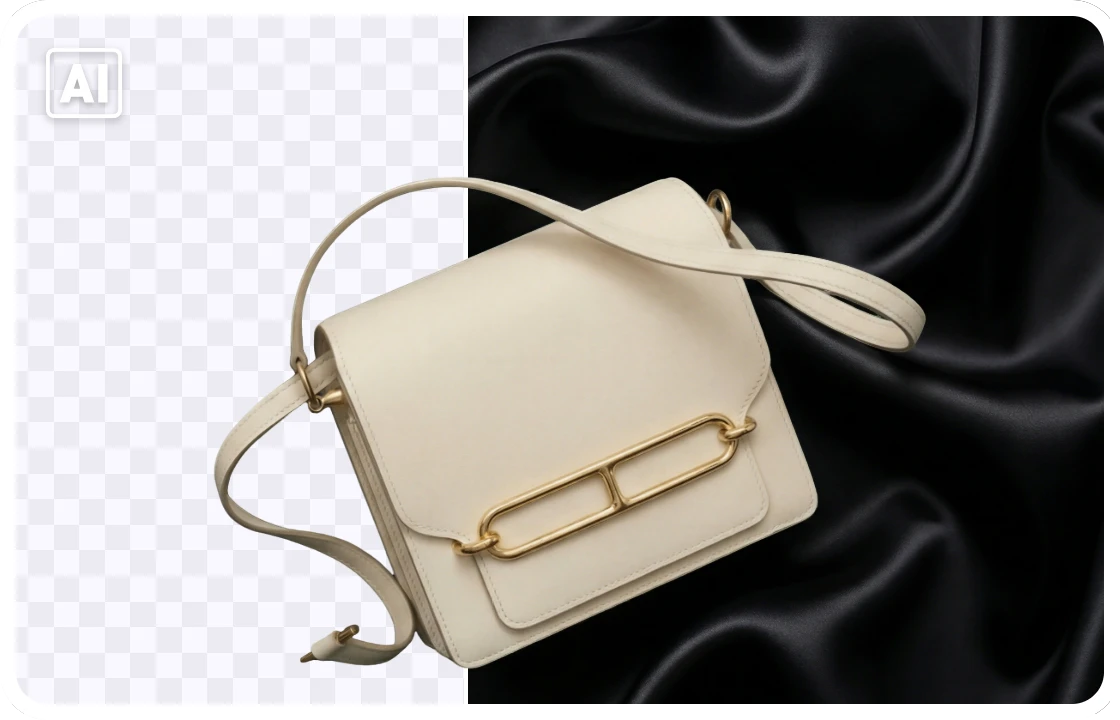
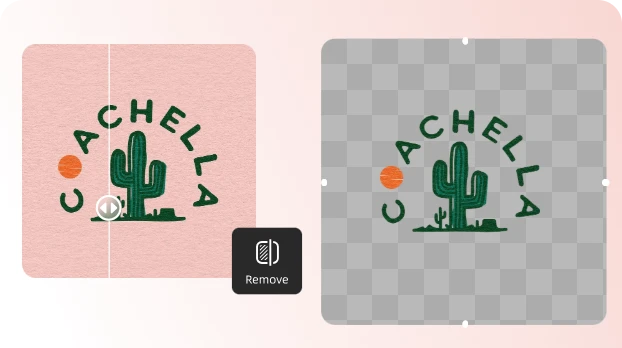
Instantly erase black backgrounds from any image and download clean, transparent PNGs
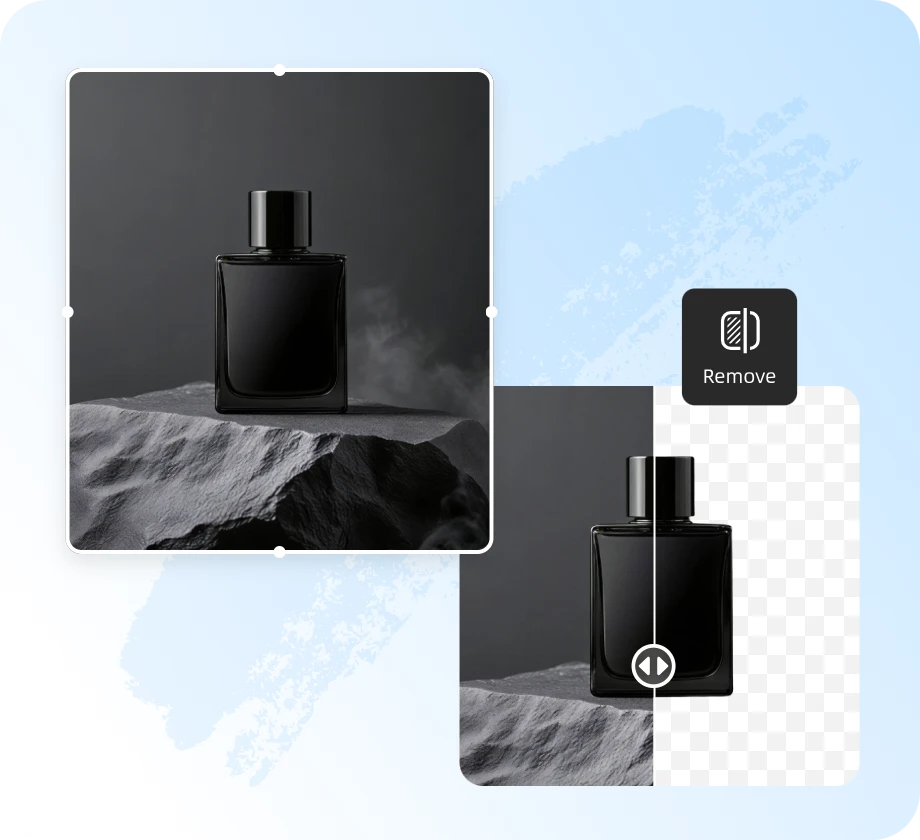

Enjoy completely free access. Our free version covers everything most users need, remove backgrounds, edit details, and create clean visuals at no cost.

After countless tests, comparisons, and iterations, we’ve built an AI model we truly believe in, crafted to deliver sharper, cleaner results than ever before.

With advanced AI technology, you can achieve your desired results faster and more precisely. Make your commercial and product images stand out from the competition.

UltraPic product manager, with 10+ years in e-commerce photography, helps your product images meet any other marketplace standards and making your products stand out.
Upload your image in PNG, JPG/JPEG, WEBP and more common format.
Our smart AI instantly detects your edges and removes the background with pixel-perfect precision.
Preview, make quick adjustments if needed, and download your image with a transparent background in high quality.
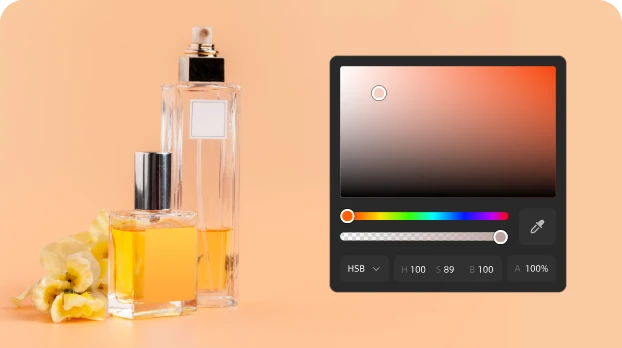
After removing the black background, you can further refine your image, replace it with a new background, adjust colors, or enhance details to get the perfect look.
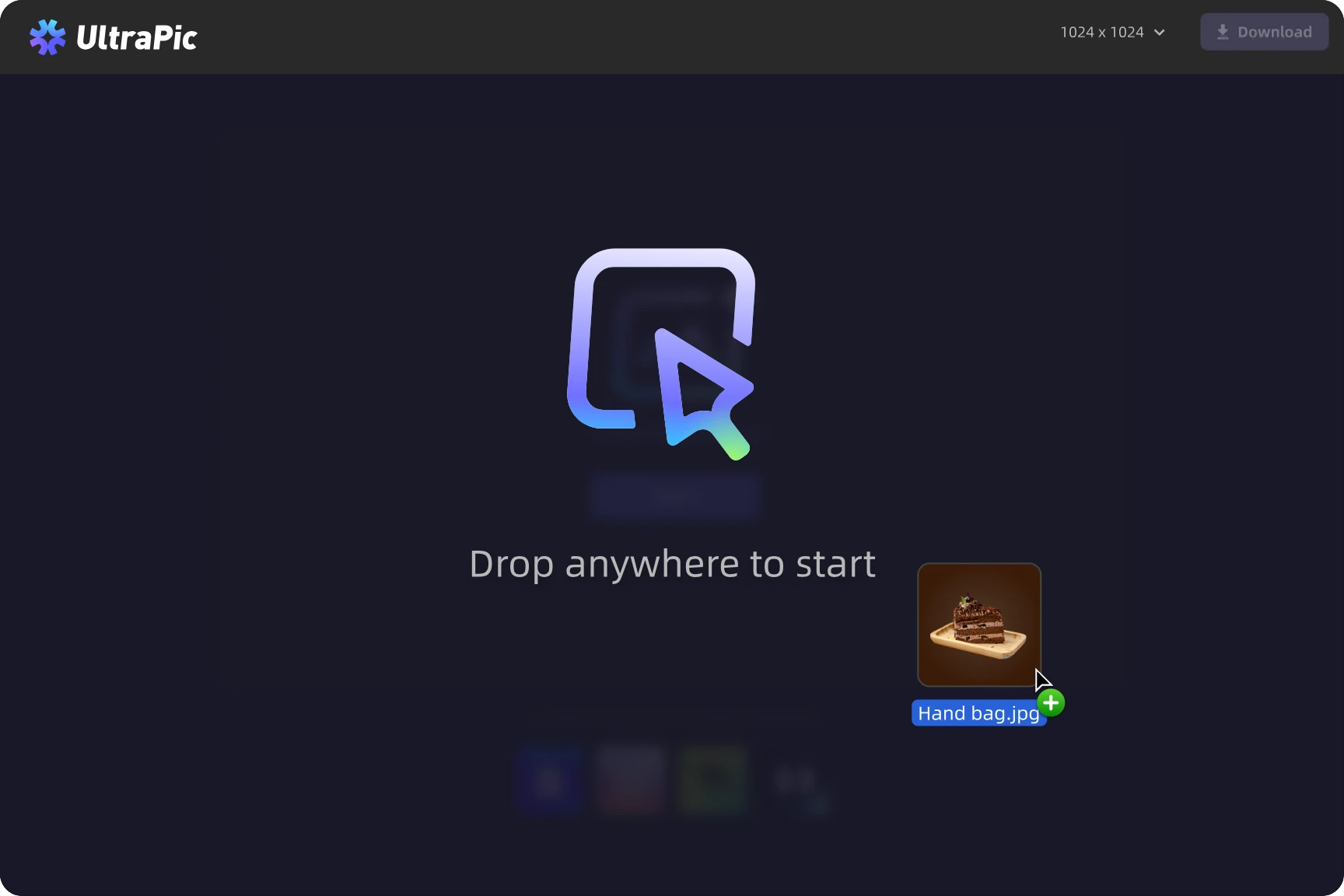
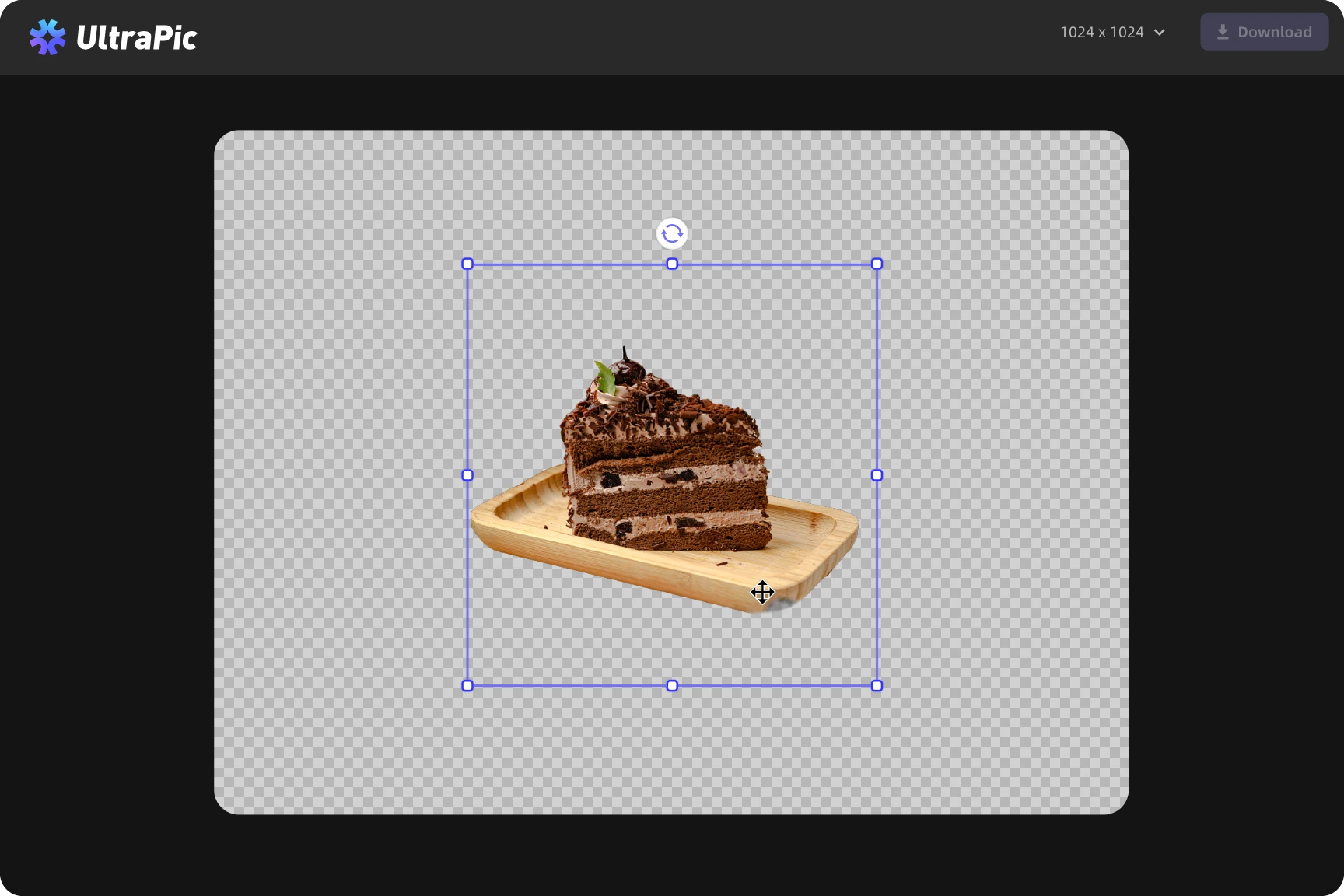
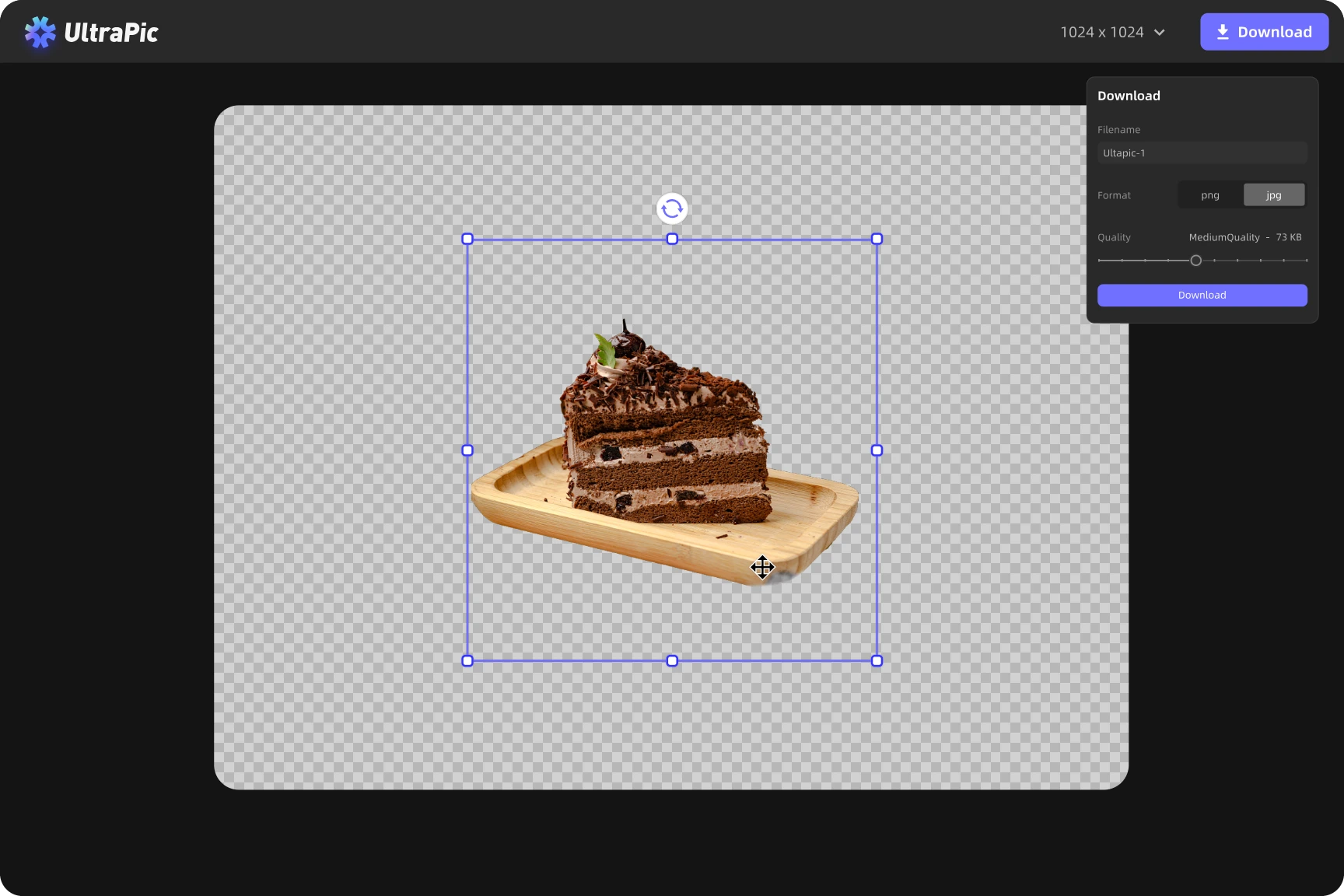
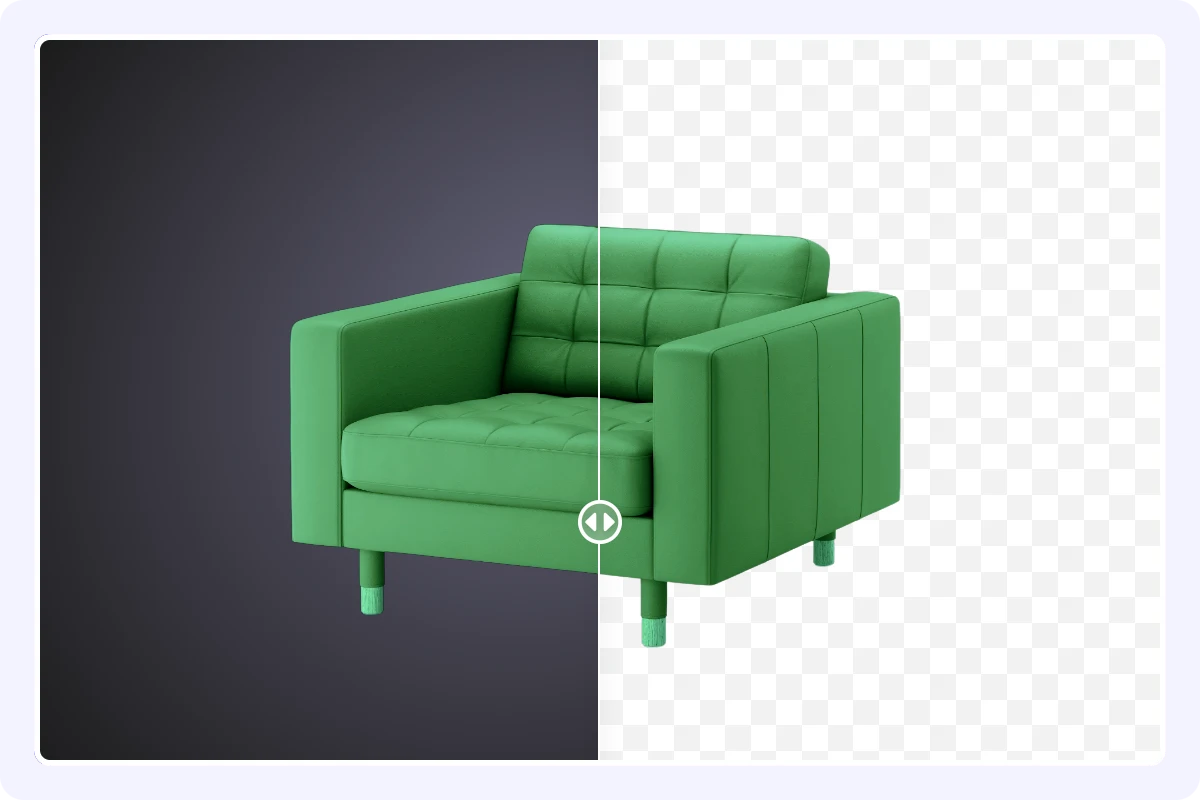
Easily erase black backgrounds from any image for free, no signup, no watermark, just clean results.
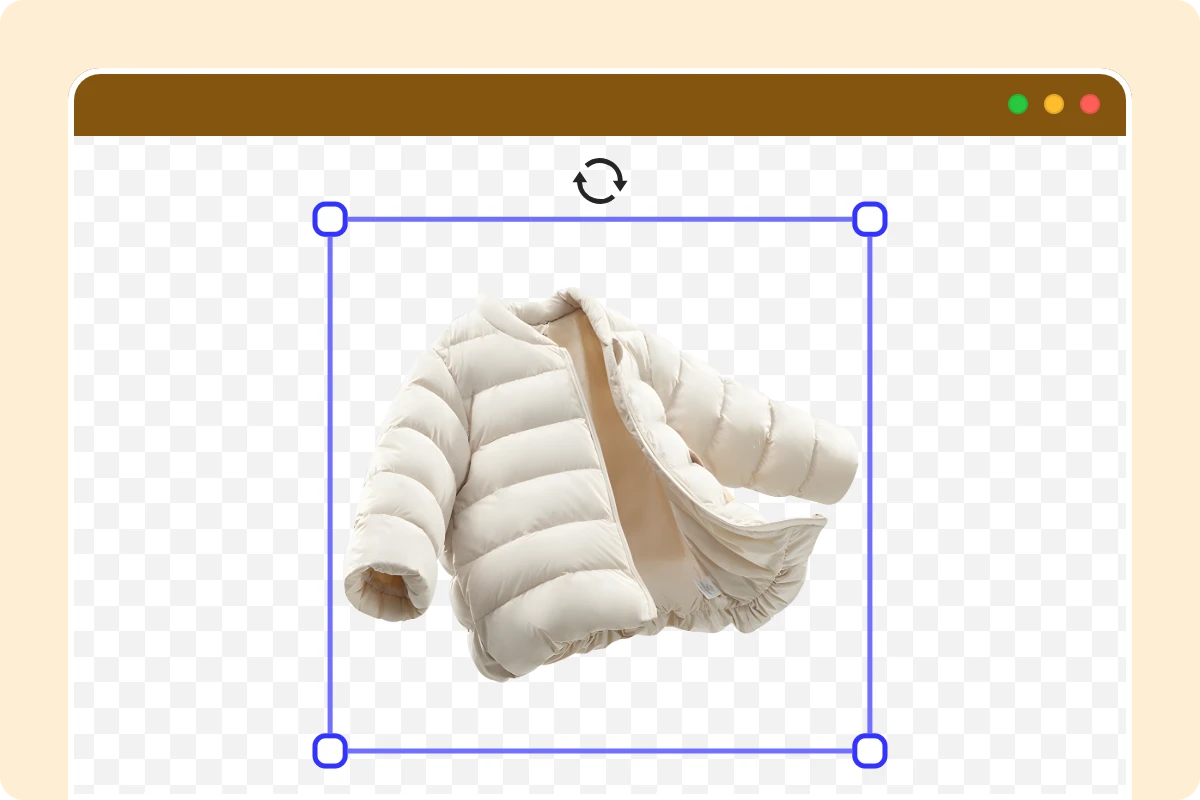
Remove black backgrounds directly in your browser, fast, accurate, and completely online.
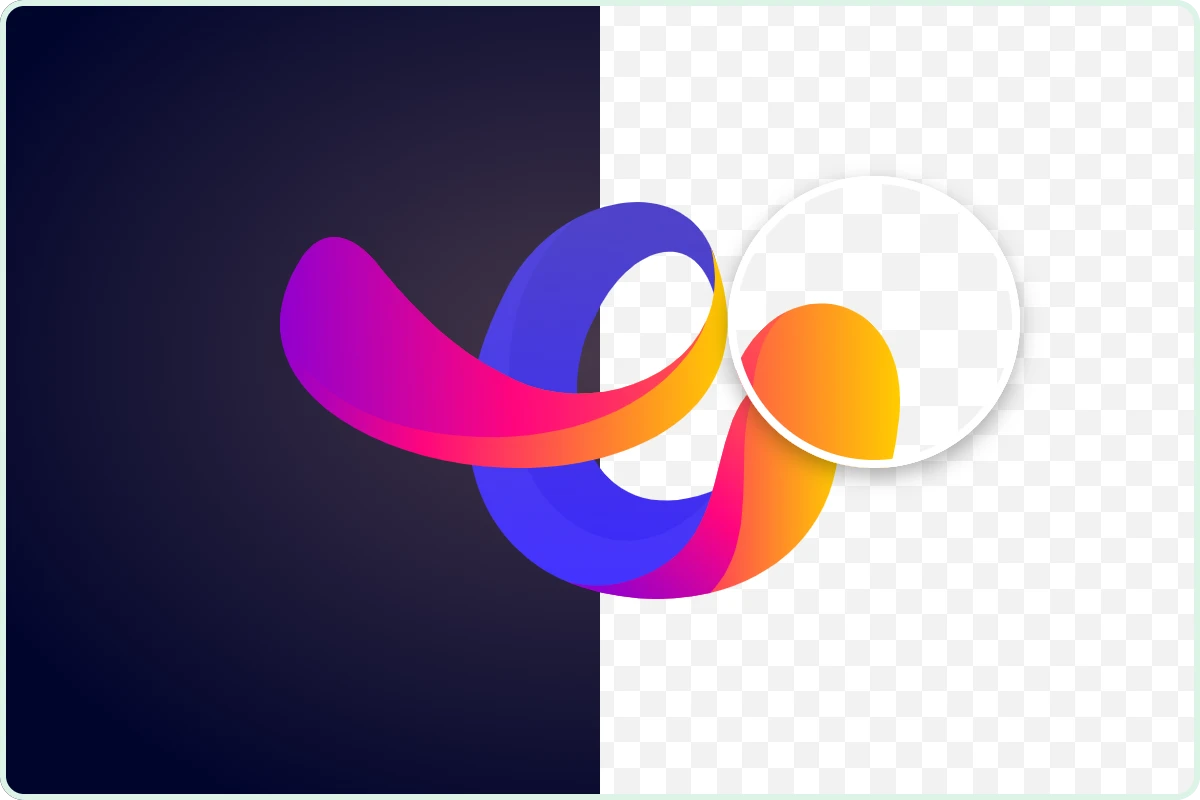
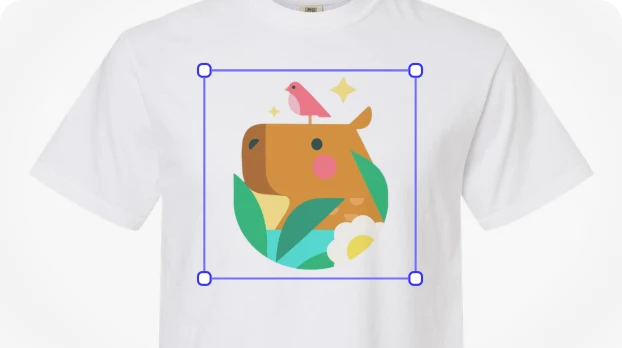
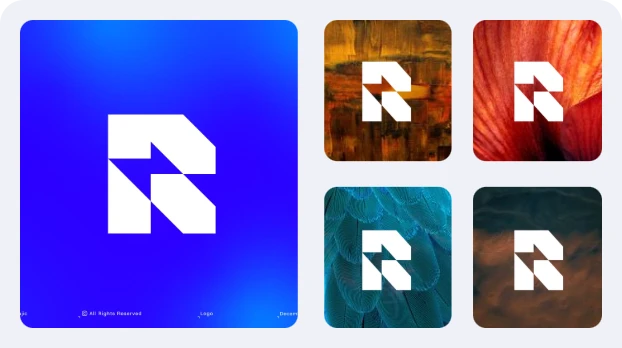
Make your logo transparent by removing black or dark backgrounds in one click.
Go beyond background removal, enhance, and customize your images with ease.
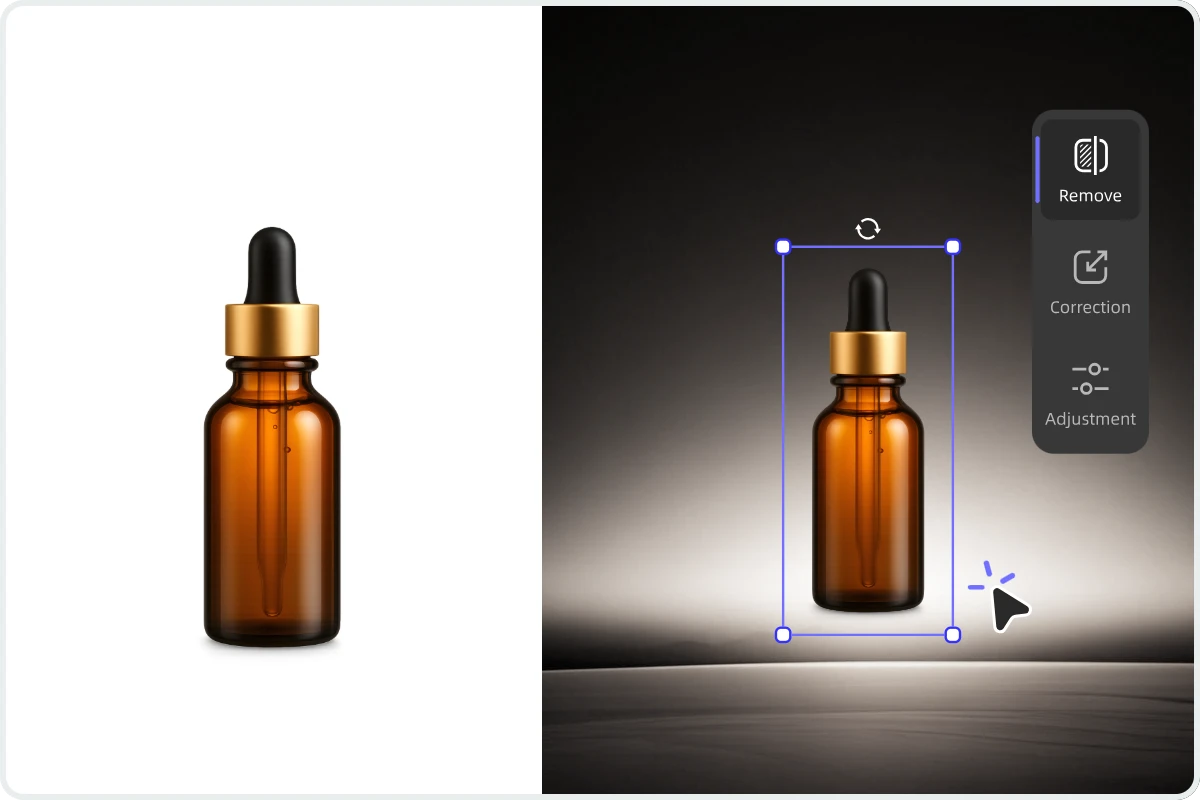

Instantly remove background and get a clean, transparent image in one click.

Create new backdrops automatically — from studio looks to creative scenes.

Edit up to 50 photos at once and keep your visuals consistent and ready to publish.

Fine-tune lighting and tones to make your images look vibrant and natural.

Perfect your composition by rotating, flipping, or aligning your photos easily.

Automatically crop and resize images for e-Commerce, social media, or print in seconds.

Upload or design your own backgrounds to personalize your images any way you want.

Automatically refine lighting, colors, and details for professional-quality product images.