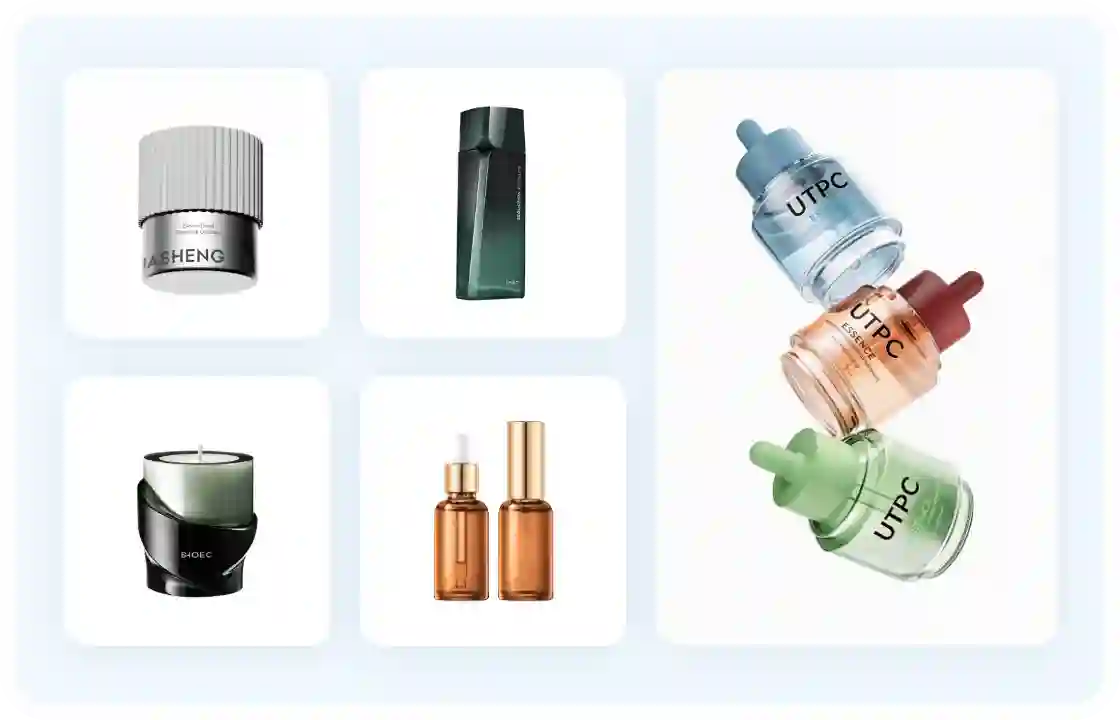
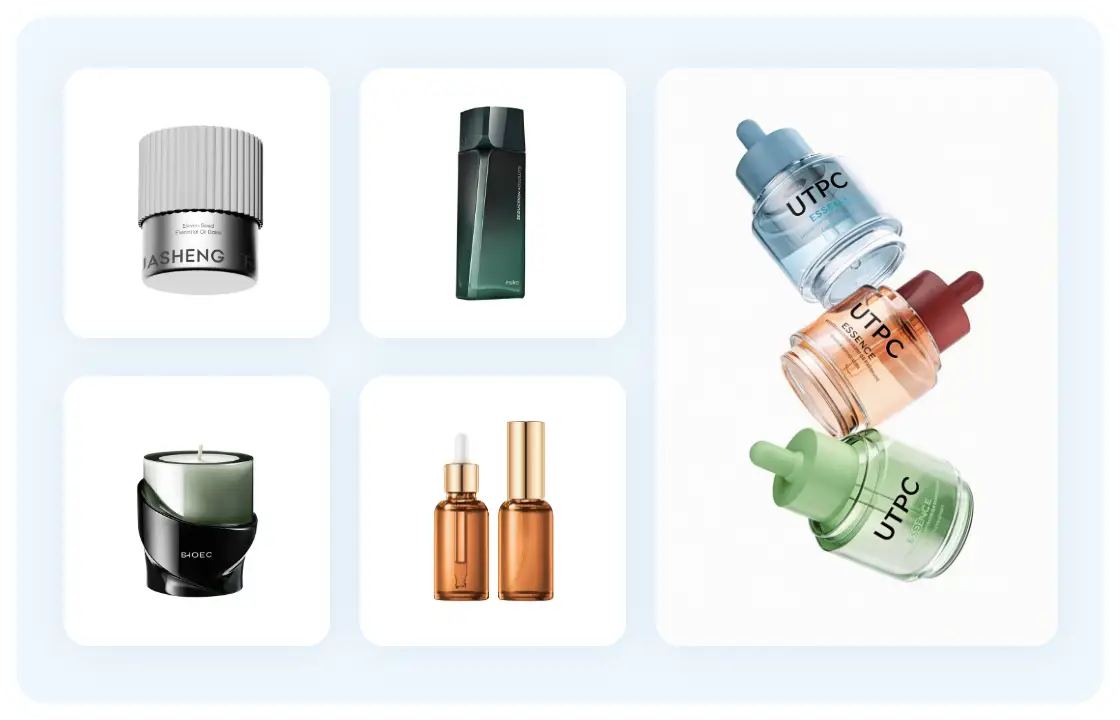
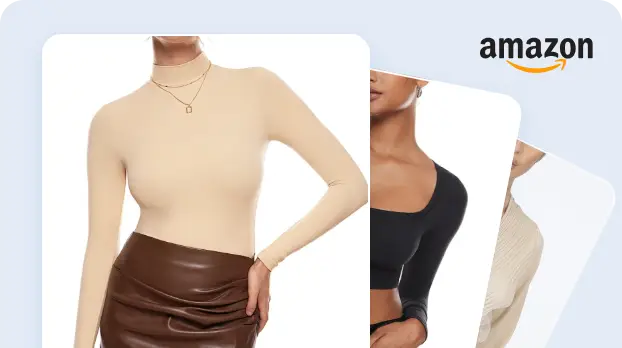
Prepare listing-ready images faster, improve product presentation, and even try AI product photography free without a studio setup.
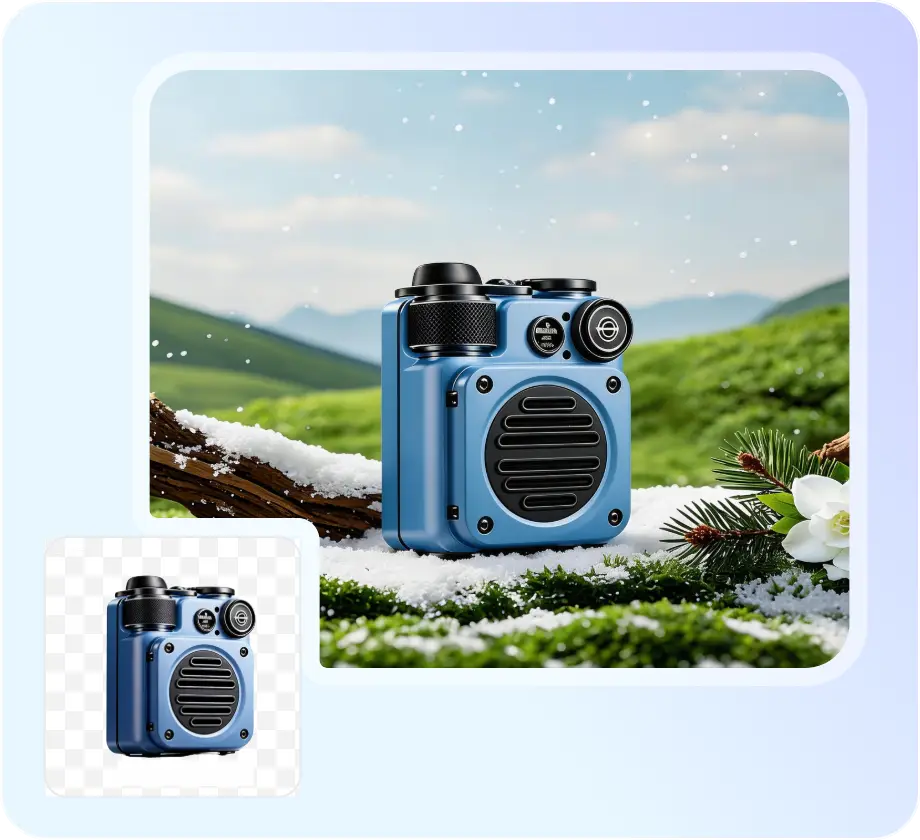

Using a streamlined ecommerce product photo editing process that reduces manual effort.

Professional & cleaner composition and refined details that help shoppers focus on key features.

Handle large product catalogs efficiently with bulk background cleanup, resizing, and export tools.

Start with AI product photography free to test background styles, enhancements, and batch editing.
Upload your logo in PNG, JPG/JPEG, WEBP and more common format.
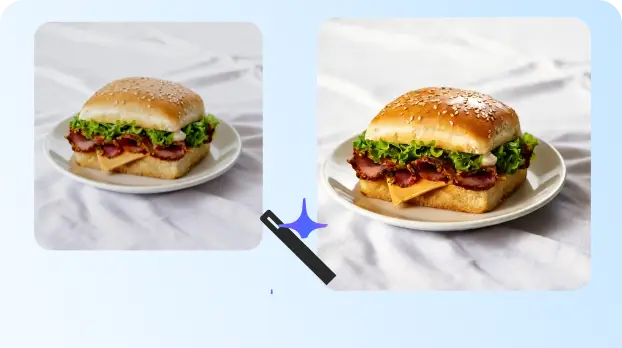
Our smart AI will improve clarity, adjust colors, and enhance textures for better product presentation.
Download images optimized for your website or product listings.
Apply lighting and detail enhancements to make your AI product photo look polished and listing-ready, then download it instantly.
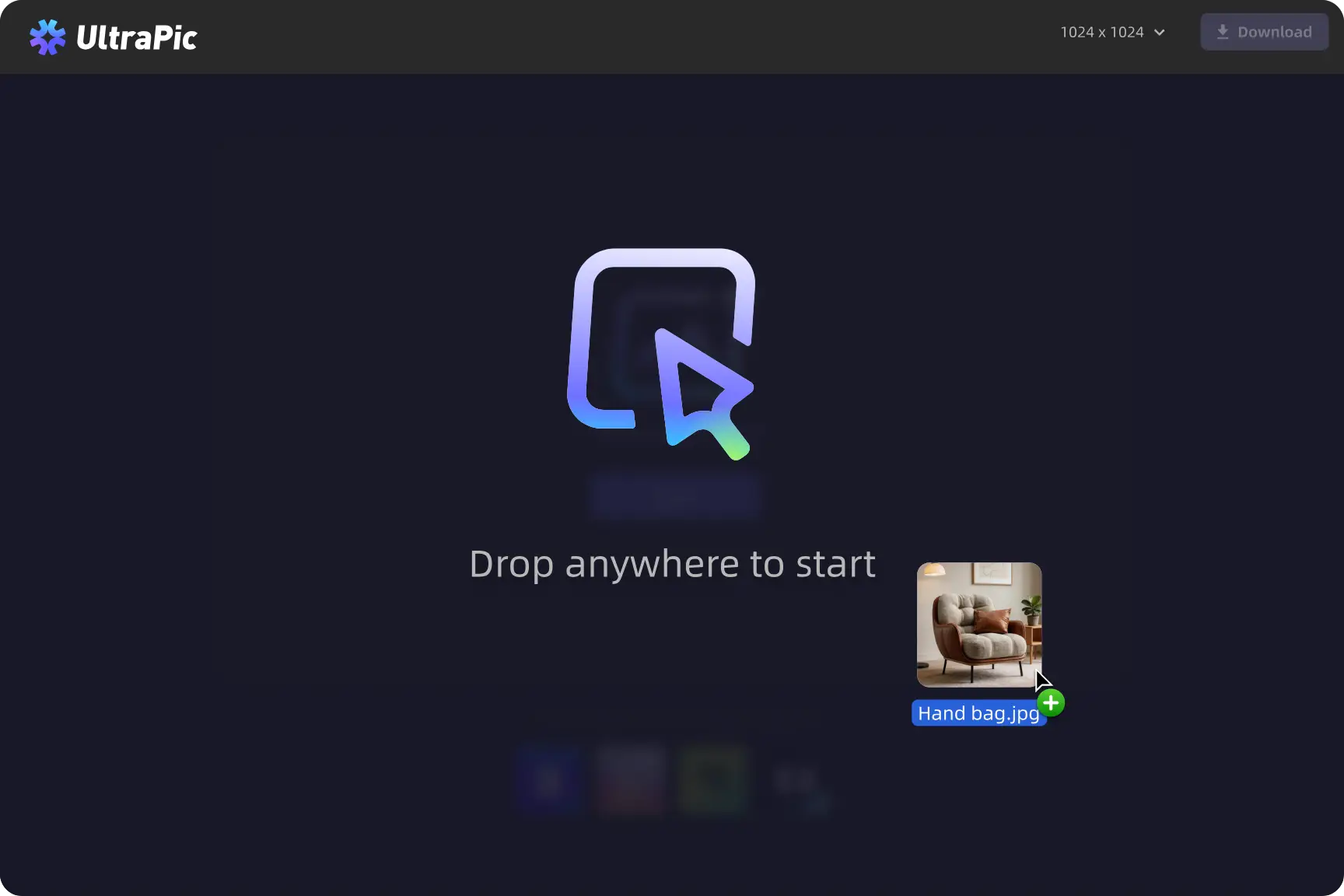
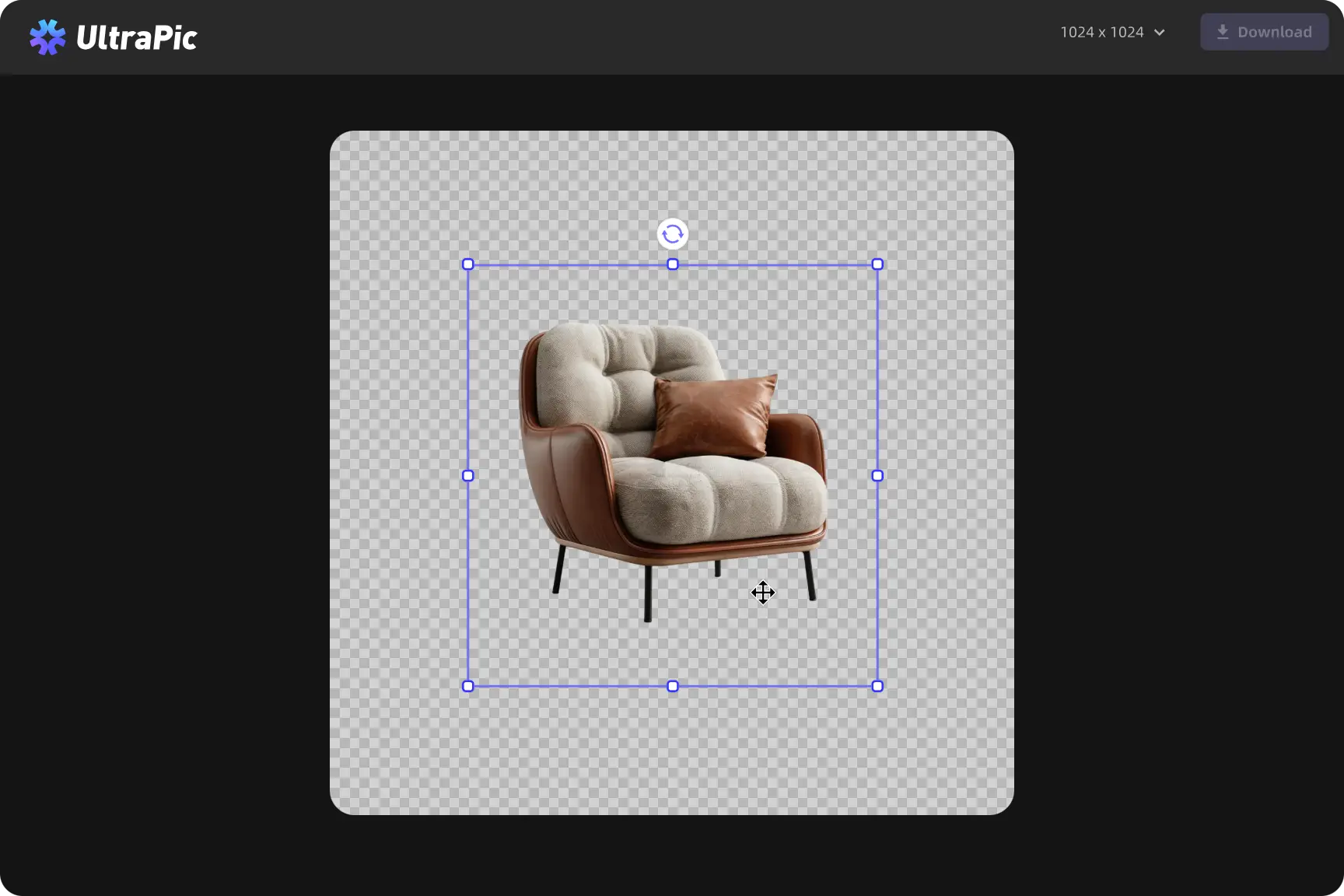
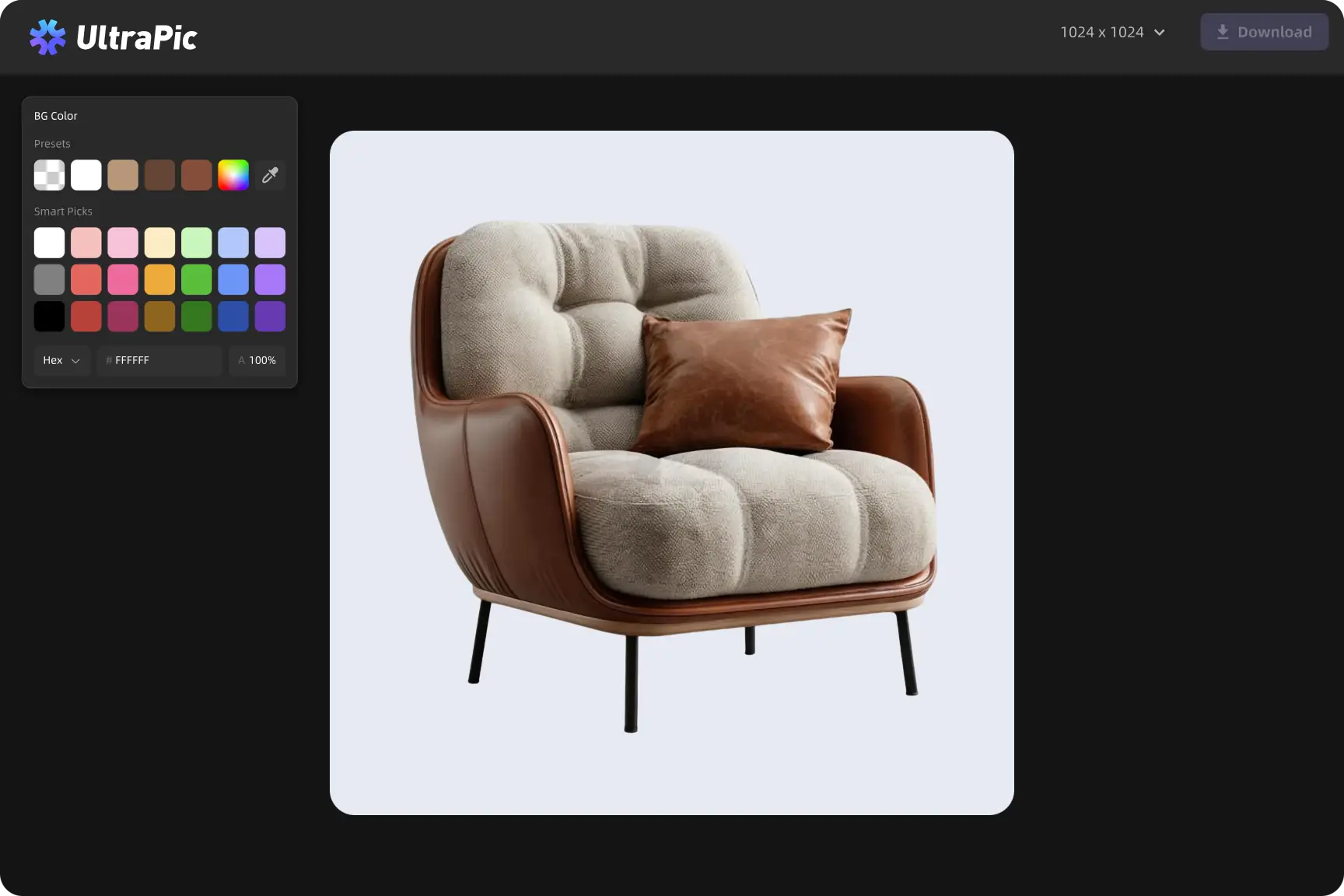
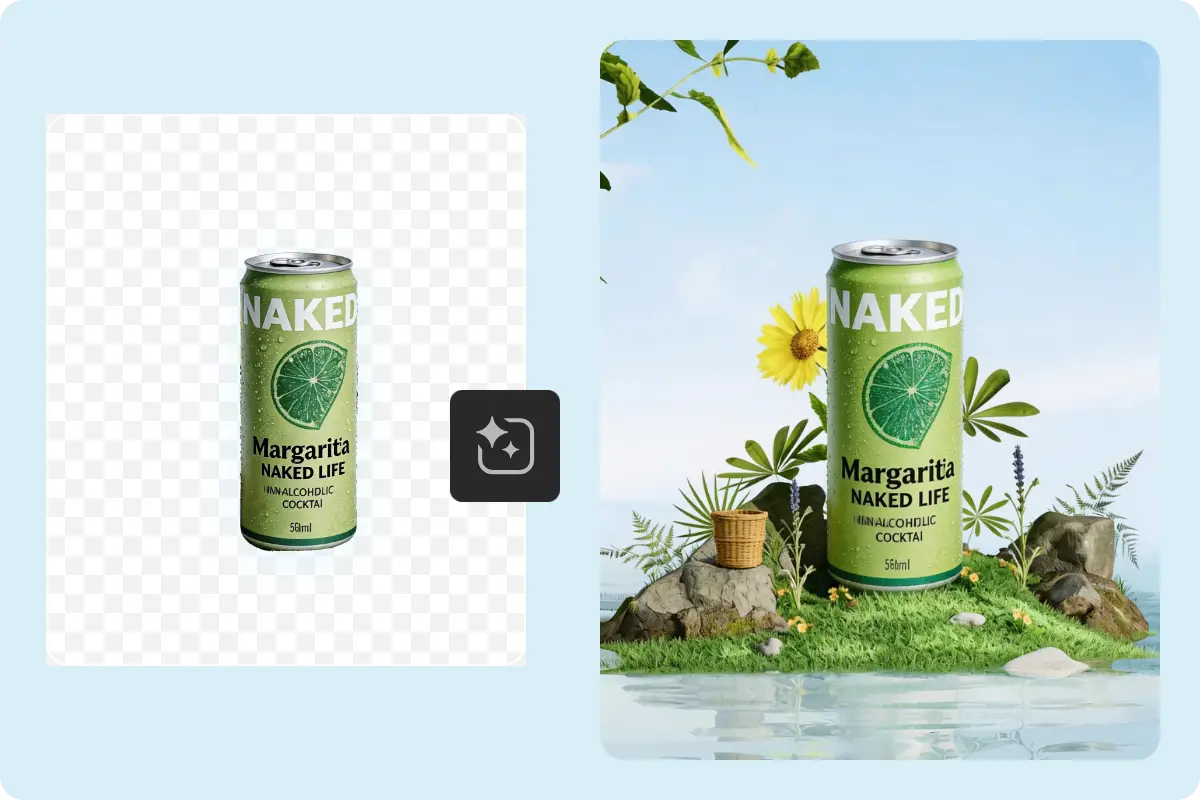
Create lifestyle product images that feel real and professional
Handle multiple SKUs efficiently using a batch product photo editor.
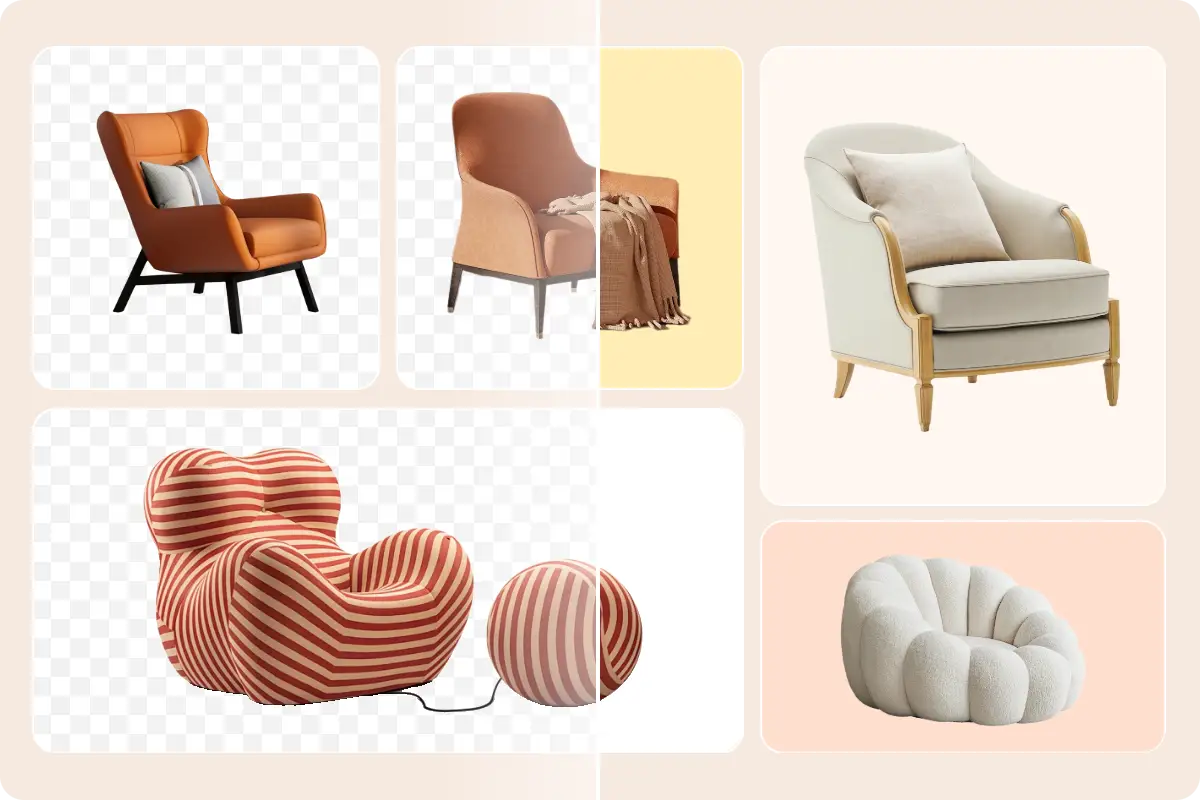
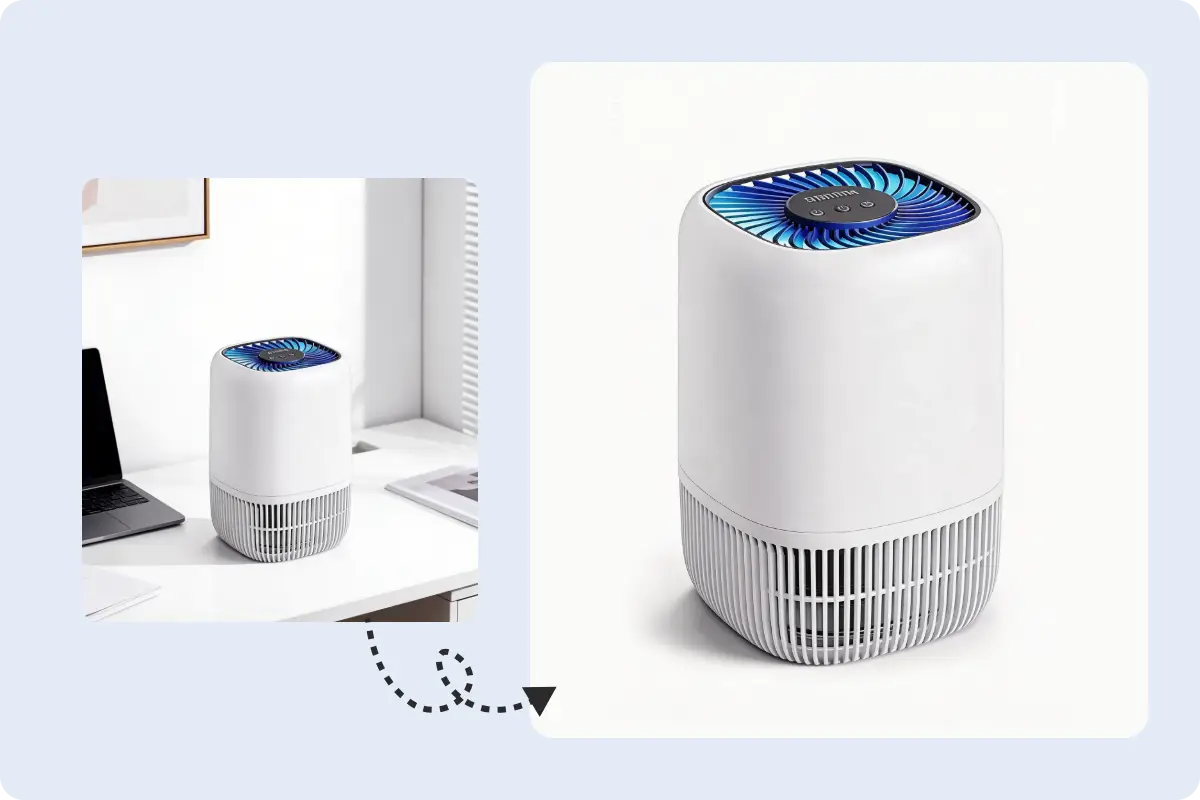
Turn clean visuals into stronger buying signals.

Instantly remove background and get a clean, transparent image in one click.

Create new backdrops automatically — from studio looks to creative scenes.

Edit up to 50 photos at once and keep your visuals consistent and ready to publish.

Fine-tune lighting and tones to make your images look vibrant and natural.

Perfect your composition by rotating, flipping, or aligning your photos easily.

Automatically crop and resize images for e-Commerce, social media, or print in seconds.

Upload or design your own backgrounds to personalize your images any way you want.

Automatically refine lighting, colors, and details for professional-quality product images.
Ecommerce photo editing means improving product images so they look clean, consistent, and ready for online stores. This usually includes background removal, color correction, and basic adjustments.
Focus on lighting, clarity, and consistency. Simple improvements like background cleanup and product retouching for e commerce can make a big difference in how your products look.
Absolutely. UltraPic offers a free AI product retouching option so you can test creating main images, lifestyle images, and catalog images without paying upfront.