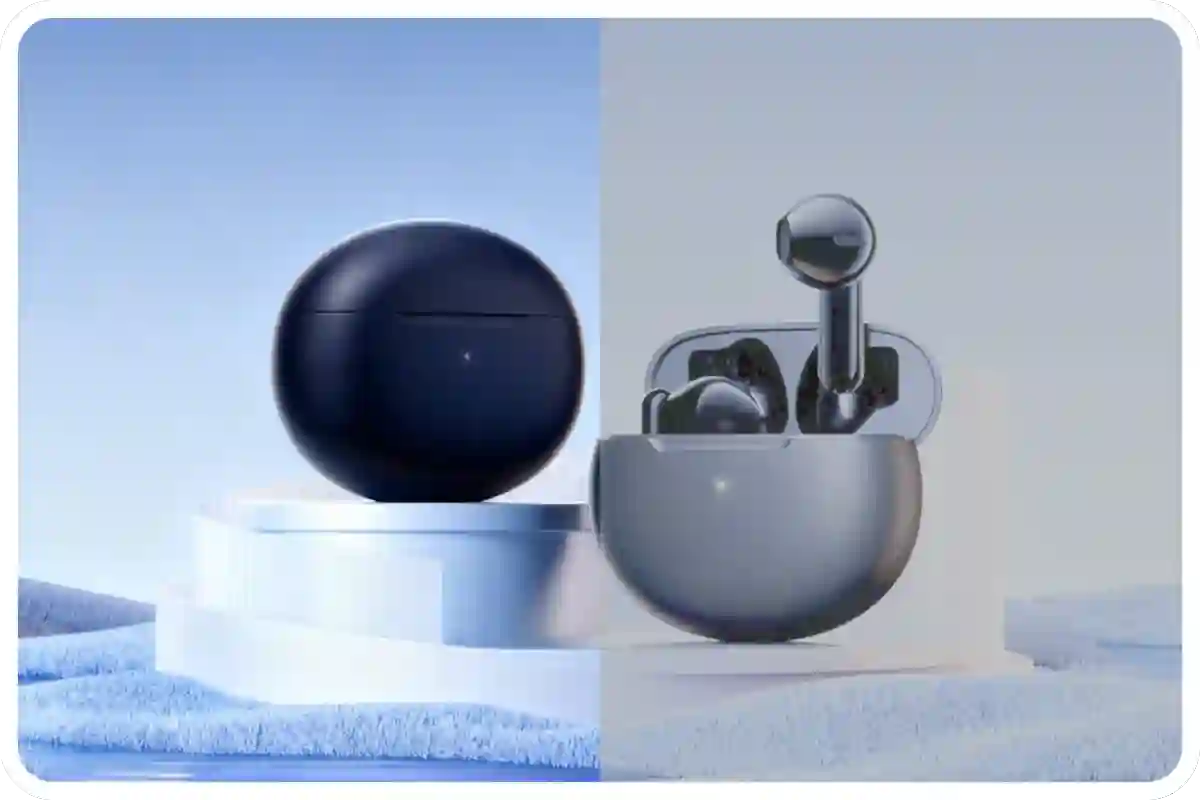
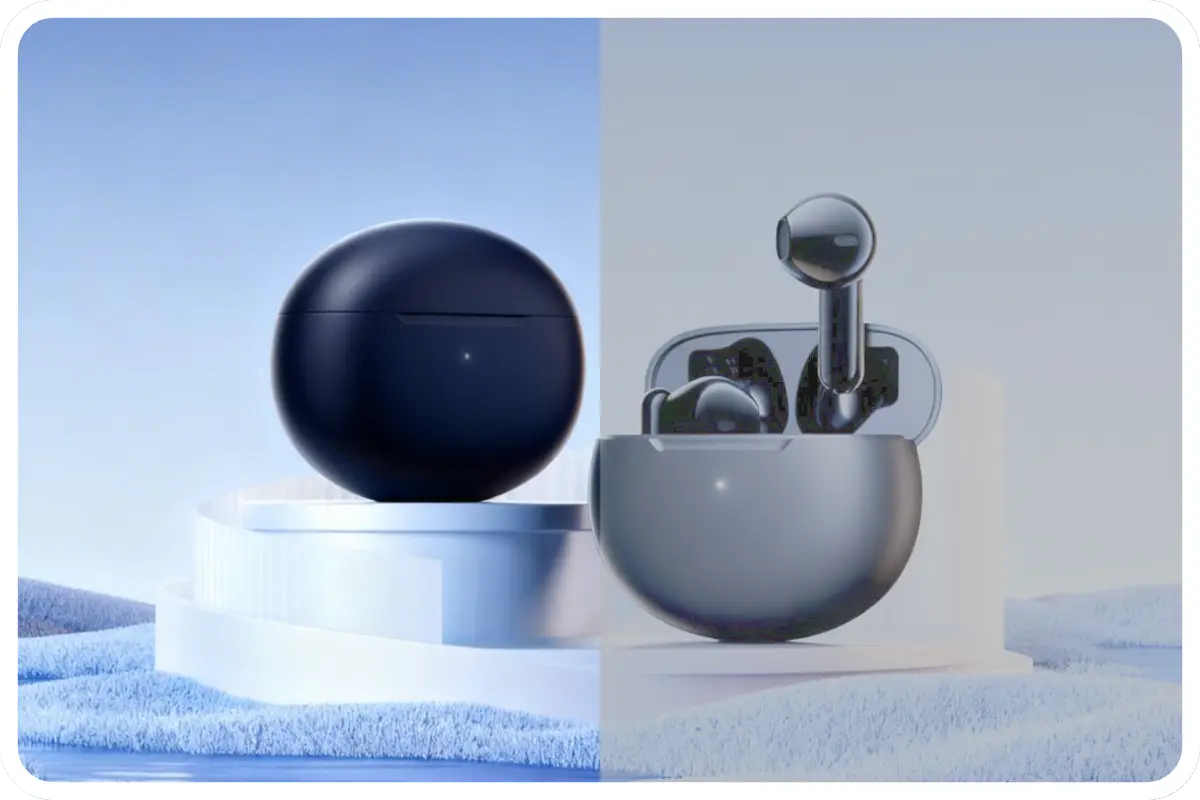
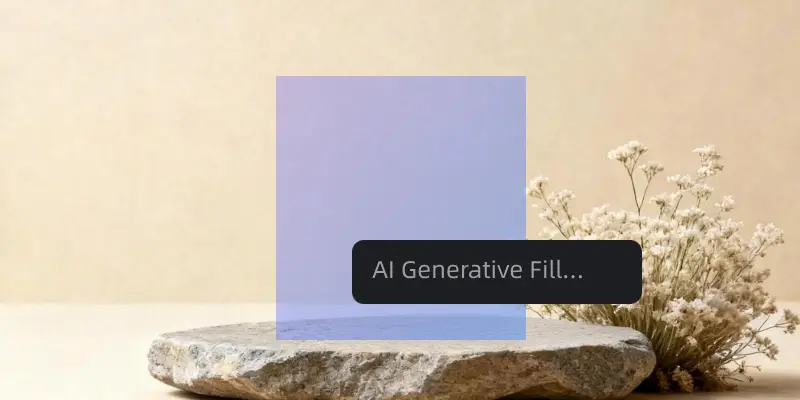
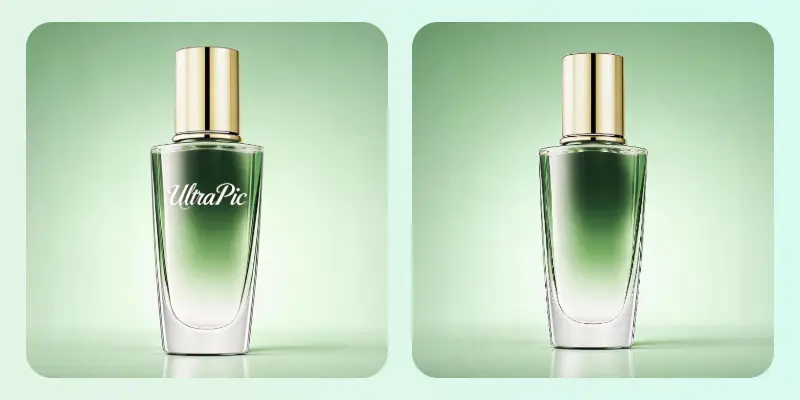
Remove imperfections, enhance details, and bring out the best in your photos.
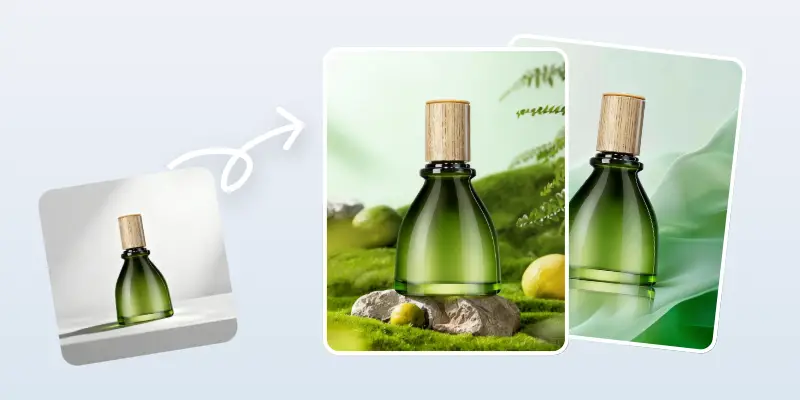
Intelligently enhances textures, lighting, and materials while keeping product details natural and authentic.

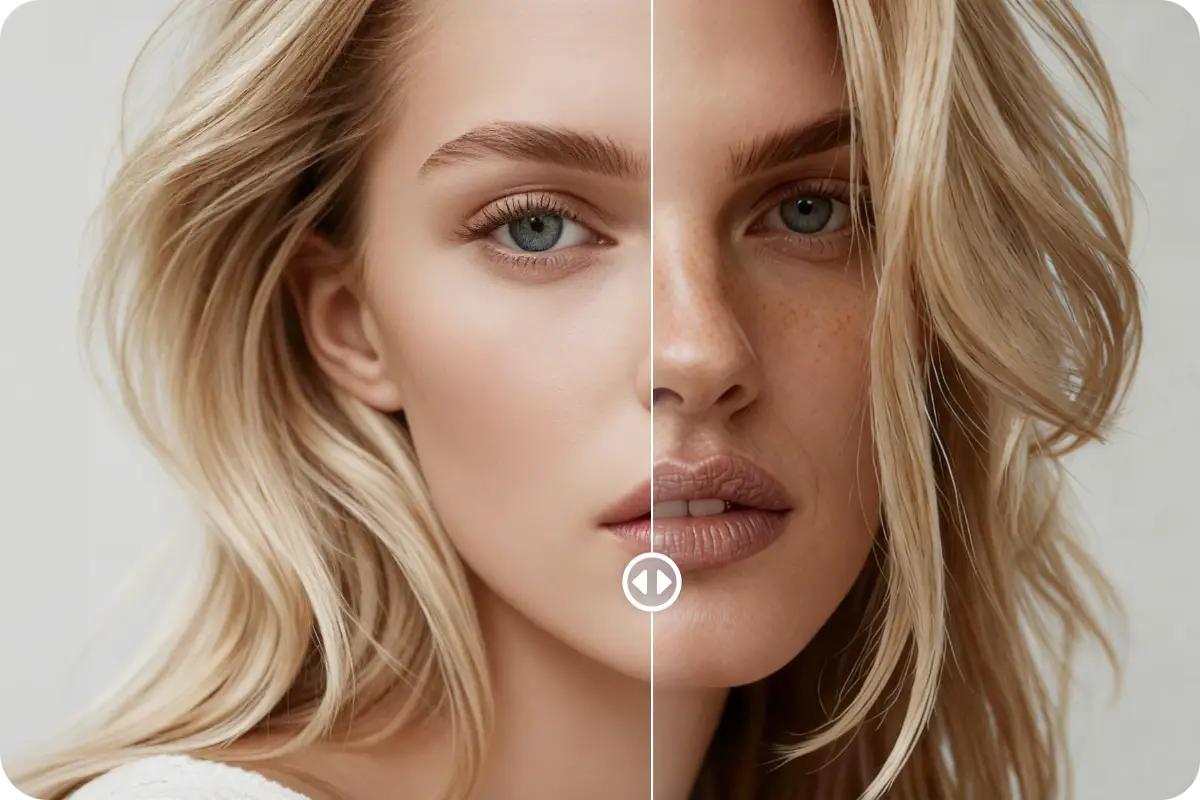
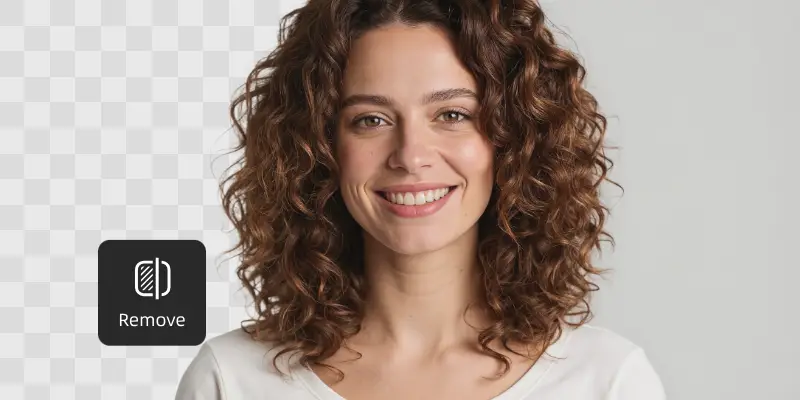
Automatically detects skin, facial features, textures, and lighting to enhance photos naturally—no over-editing.
Fix blemishes, smooth skin, improve clarity, and balance tones instantly, even for complex images.
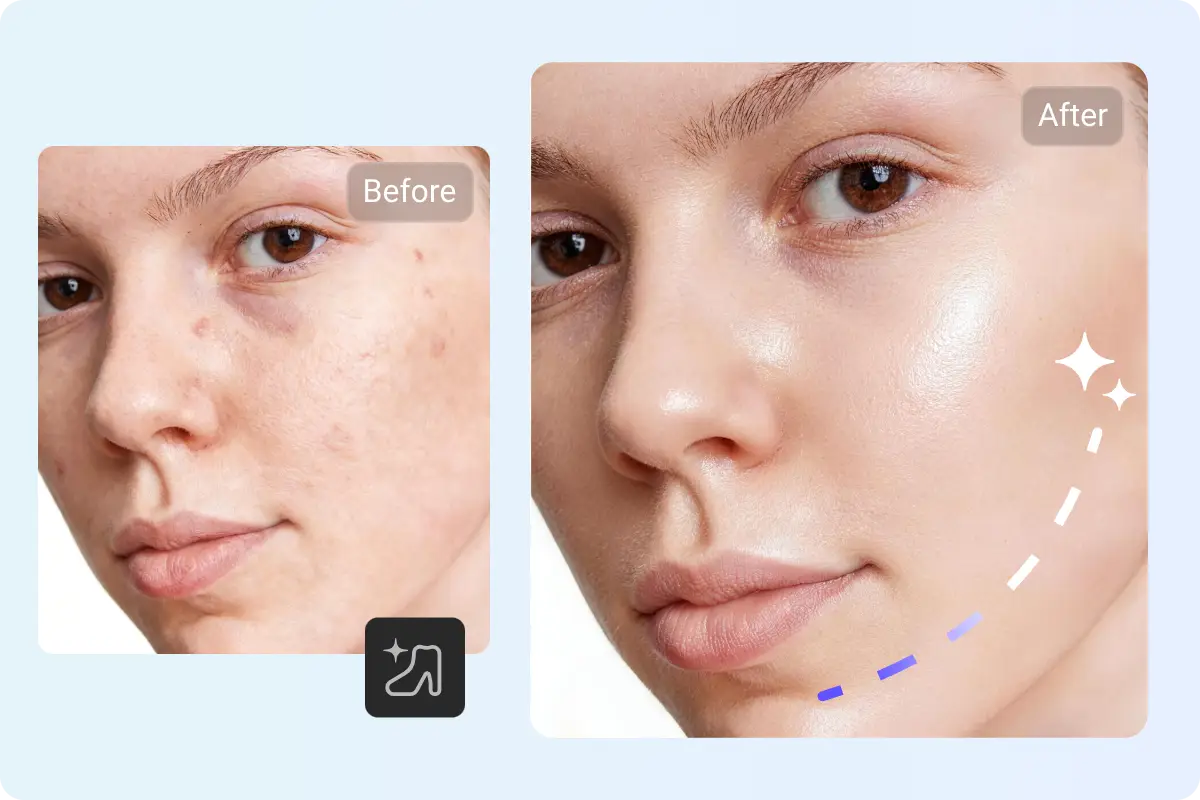

No software installation required. Retouch photos directly in your browser, anytime, anywhere.
Preserves original details and resolution, making images suitable for e-commerce, social media, and marketing use.
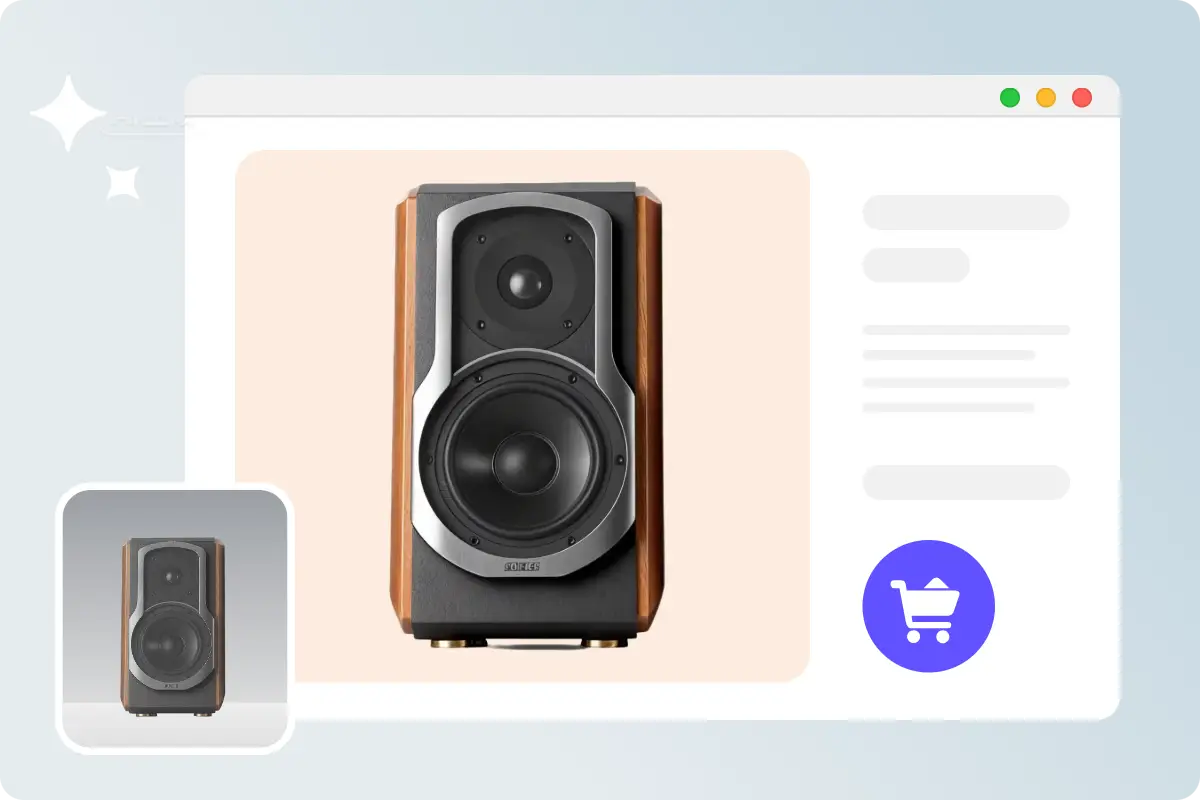
Select “Photo Retouching”, drag and drop your image or select one from your device.
UltraPic’s AI analyzes your image and applies intelligent enhancements in seconds.
Simply download the high-resolution image, ready to use for your online store, design, or marketing materials.
Trusted by 100,000+ creators, E-commerce sellers, and designers

I deal with product photos every single day, and honestly, retouching used to be the most exhausting part. With UltraPic, I just upload the image and the AI handles all the small imperfections automatically. Since using UltraPic, our product CTR increased by 20%.
Emily Carter
E-commerce Store Owner
We use UltraPic for campaign visuals and social media images. The AI photo retouching saves our team a lot of time, especially when we’re working with tight deadlines. What I appreciate most is consistency—the images always come out sharp, balanced, and ready to publish.
Sophia Nguyen
Marketing Specialist
I don’t have design experience, so traditional photo retouching software felt intimidating. UltraPic made the process super approachable. I just upload the photo, and it looks better instantly.
Lily Roberts
Small Business Owner
I’ve tried a lot of photo retouching software over the years, and most of them are either too complex or too aggressive. UltraPic surprised me. The photo retouching feels subtle and natural, which is exactly what clients want. It doesn’t replace Photoshop for deep edits, but for quick, high-quality retouching, it’s incredibly efficient.
Jessica
Freelance Photographer



Not at all. UltraPic’s AI is trained to recognize different materials and textures. It focuses on removing distracting imperfections (like dust, scratches, or temporary blemishes) while preserving the essential details and original colors of your product, ensuring what your customers see is what they get.
Absolutely. Once you retouch your photos with UltraPic, you own the rights to the enhanced images. They are ready to be used for your online store, social media ads, print catalogs, or any other commercial channels.
Whether you’re a creator, online seller, or photographer, UltraPic helps you achieve photo retouching, fast and smart.