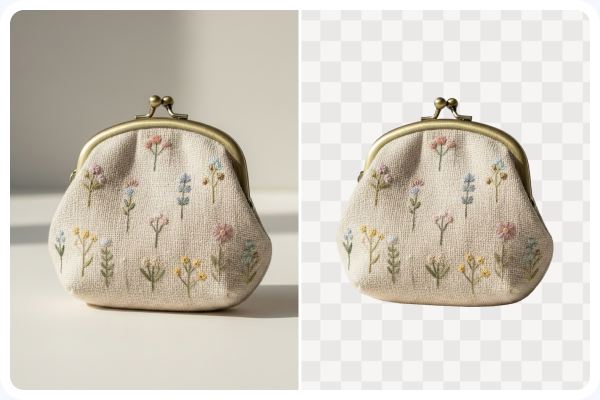


Precise Hair & Fur Cutouts
Capture fine strands, complex edges, and translucent details without blurry borders.

Upload any image and get a clean transparent PNG in seconds. UltraPic's AI background remover handles complex edges like hair, fur, and glass.
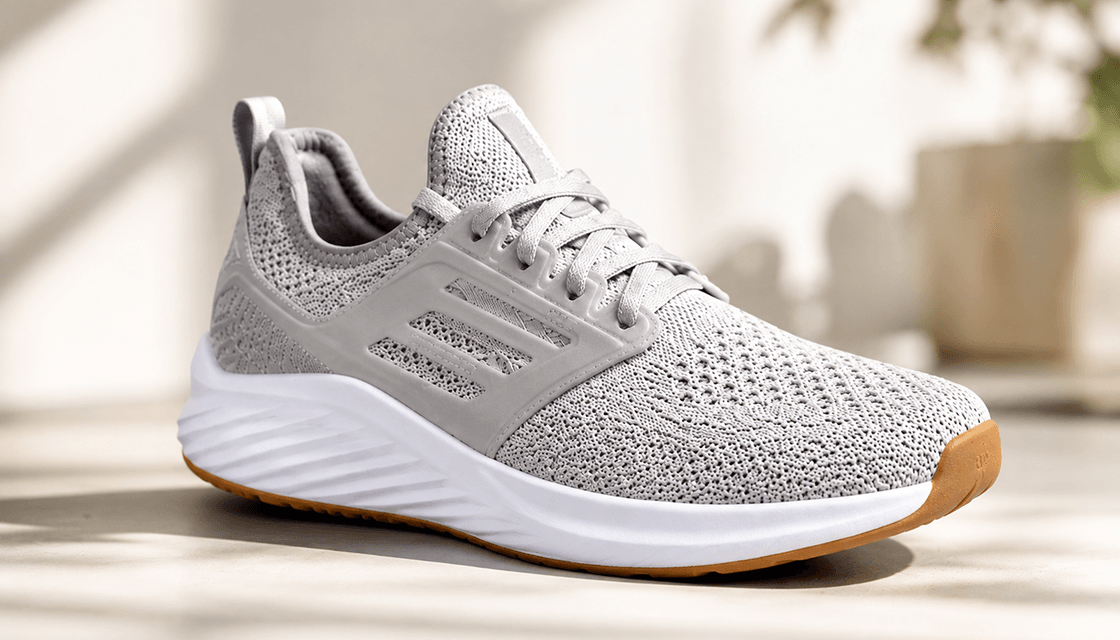
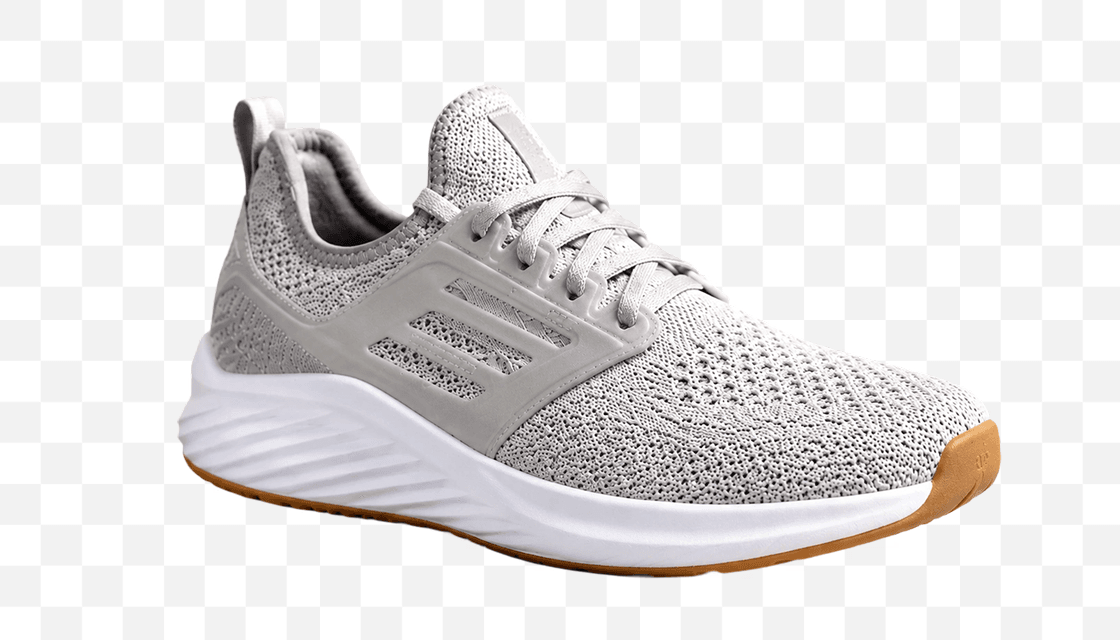
Capture fine strands, complex edges, and translucent details without blurry borders.

Whatever size you upload is the size you get back.

Queue up to 50 images at once instead of doing them one by one.

Runs in the browser. Nothing to download, nothing to update.
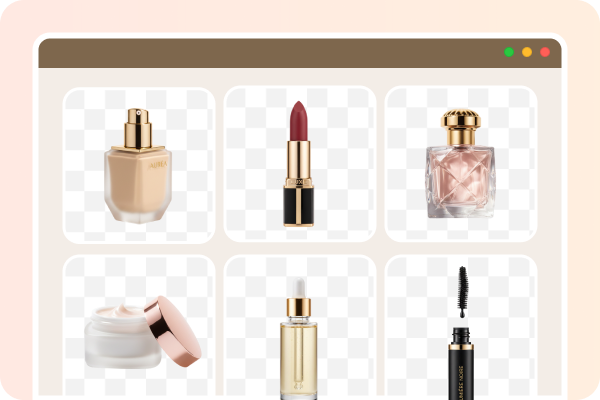
Clean product images drive sales. Remove backgrounds from product photos and get transparent PNGs for Amazon, Shopify, Etsy, and eBay.Consistent, professional visuals increase buyer trust and conversion rates.
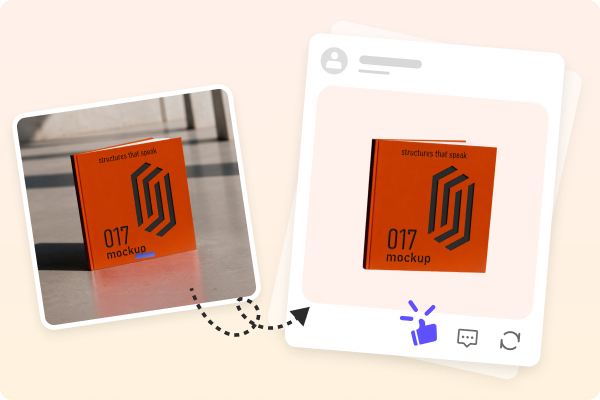
Make eye-catching Instagram posts, YouTube thumbnails, and TikTok content. Place your subject on any template or scene without awkward cropping.
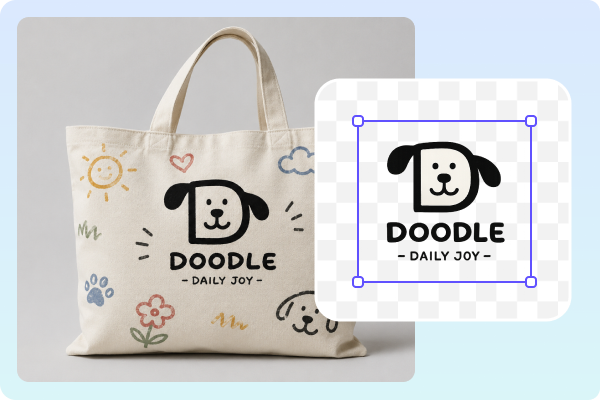
Extract logos, icons, and design elements from messy backgrounds. Export transparent PNGs for presentations, banners, websites, and print materials.
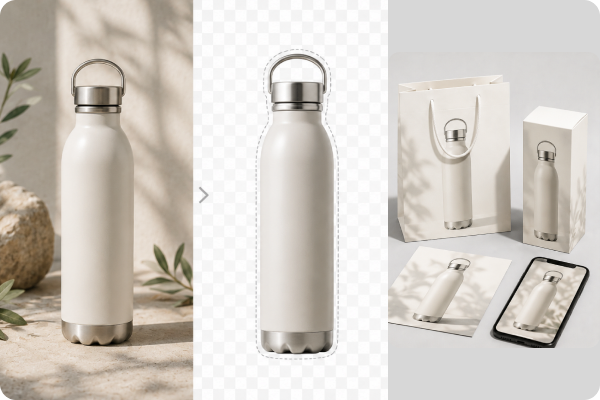
Create marketing materials, logos, flyers, and presentations with transparent PNG images. Produce professional visuals for ads, social media, and print without hiring a designer.
 Students & Educators
Generate transparent PNGs for school projects, presentations, and creative assignments. Design professional posters, reports, and digital portfolios that stand out.
 Photographers - Perfect Portraits and Cutouts
Extract subjects from busy backgrounds for composites or headshots. UltraPic automates the heavy lifting - so you can focus on creative work.
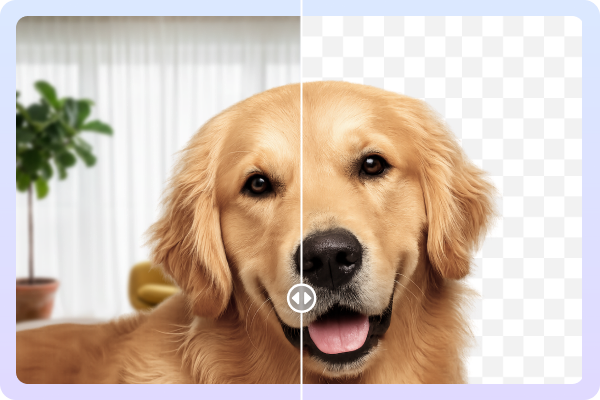
Busy backgrounds show up in plenty of places besides product shots and headshots - UltraPic handles those the same way.
Drag and drop any image - JPG, PNG, HEIC, or WEBP.
UltraPic's AI scans the image, identifies the subject, and removes the background instantly. Complex edges like hair, fur, and transparent objects are handled automatically.
Preview the result. If it's perfect, download as a transparent PNG. Place it anywhere - on a white background, a product scene, or a social media template.
 AI
Image Enhancer
Fix blur, noise, and exposure issues -
get upload-ready photos instantly with AI-powered enhancement.
AI
Image Enhancer
Fix blur, noise, and exposure issues -
get upload-ready photos instantly with AI-powered enhancement.
 AI
Image UpscalerEnlarge any product image up to 8X,
sharper edges, finer textures, with zero quality loss.
AI
Image UpscalerEnlarge any product image up to 8X,
sharper edges, finer textures, with zero quality loss.A transparent background maker is a tool that uses AI to automatically detect the main subject in an image and remove the background, leaving a clean transparent PNG behind.
No. Output resolution matches your upload - we never downscale images, even on the free plan.
Yes. UltraPic's AI is trained to detect fine details like hair strands, fabric edges, fur, and translucent materials - delivering clean results that basic tools often miss.
No. UltraPic never adds watermarks to your exported images.
JPG can't store transparency at all - it'll just fill the background in with white. PNG keeps the see-through part intact, which is exactly what you need here.
They're processed and then removed from our servers within 24 hours. Your privacy is our priority. We don't use uploaded images to train anything, and we don't sell them on - see the privacy policy for the full detail.
Yes. UltraPic runs in any browser, including mobile browsers on iPhone and Android. No app download required.
Yes. UltraPic Pro supports batch processing - remove backgrounds from up to 50 images at once.
"Removing background" means deleting the backdrop. "Making it transparent" means replacing that backdrop with transparency. The result is a transparent PNG file that can be placed on any background.
Upload your image, get a clean transparent PNG, and use it anywhere.
 No credit card requiredHigh precisionFree use