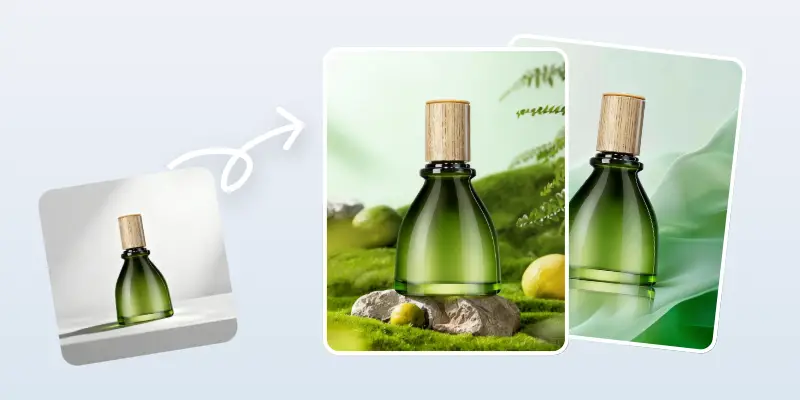
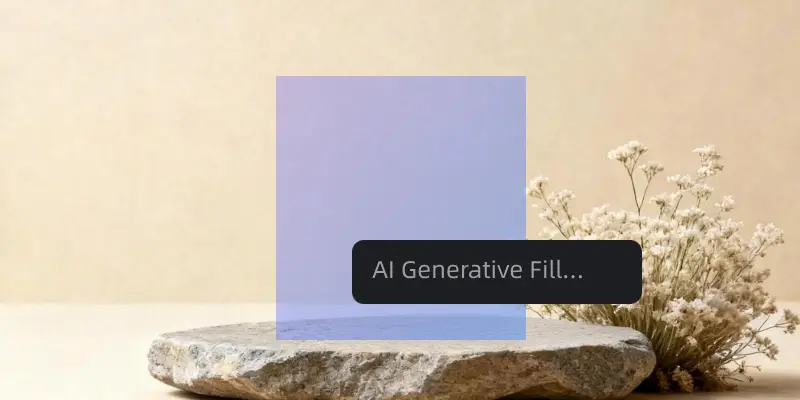
Clean up product photos, remove people or text, and get clean images in seconds.
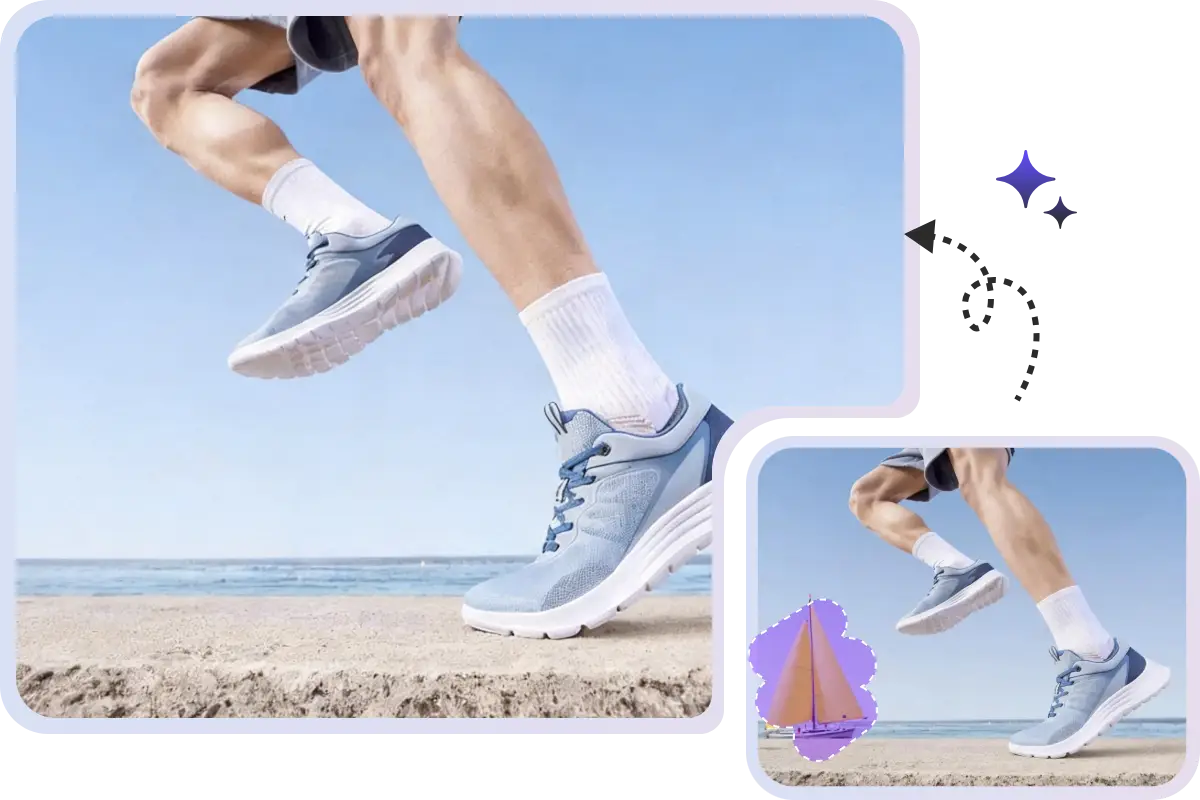
Brush over the object and click to remove object from product photo. UltraPic’s Magic Eraser removes it automatically, no complex tools, no Photoshop skills.


AI rebuilds textures, patterns, and light after removal. The erased area blends in naturally with the rest of the photo.
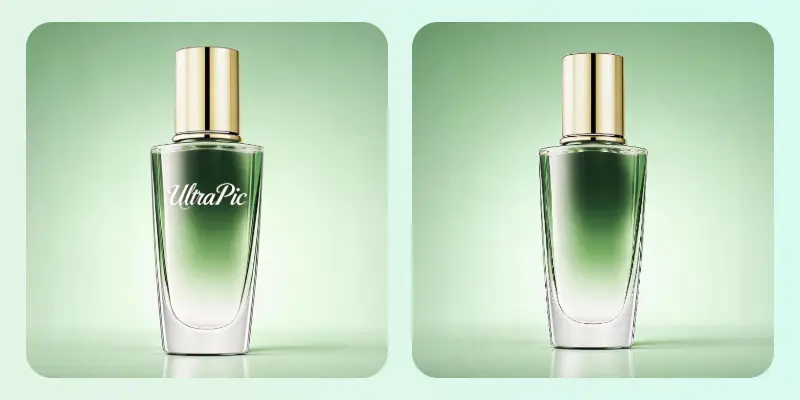
Remove people, text, watermarks, shadows, logos, and background clutter. One AI eraser cleans up product photos in seconds.


Use Magic Eraser in your browser. No app to install, no learning curve, just upload, erase, and download.
Drag and drop your image or upload a photo from your device.
Select ‘Smart Remove’ to let AI find objects. Or use ‘Manual Brush’ to remove object from photo.
Tap “Standard” (Free) or “HD Removal” (High Quality). AI instantly processes the image, removes objects from your product photo, and then download it.
Trusted by 100,000+ creators, E-commerce sellers, and designers

I’ve tried other photo erasers, but this one feels the most natural. The AI rebuilds the background so well it looks like the object was never there.
Marcus Johnson
Shopify Store Founder
I sell handmade home decor online. UltraPic lets me remove unwanted objects and background clutter in seconds, so my listings look clean and professional.
Hannah Brooks
Etsy Seller
For real estate photos, I often remove cars or trash bins. UltraPic is fast and the results look natural, so I can post images right away.
Daniel Kim
Real Estate Content Creator
I process hundreds of images a day. UltraPic removes watermarks and small flaws with one tap and saves me hours on retouching.
Olivia Chen
Photo Retoucher



Yes, UltraPic offers a free plan. Paid plans unlock HD downloads and more usage.
No. UltraPic keeps your original resolution and gives you clean, high-quality results after removal.
Use UltraPic Magic Eraser to remove unwanted objects and get clean, professional product images fast.