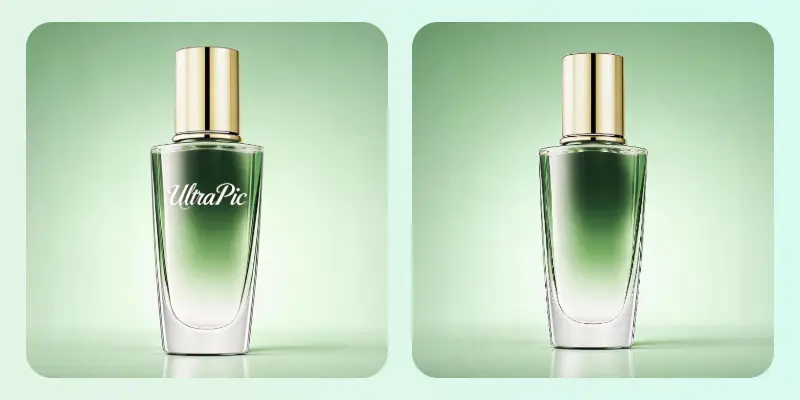
Fix product photos, remove distractions, and create on-brand scenes without reshoots or Photoshop.
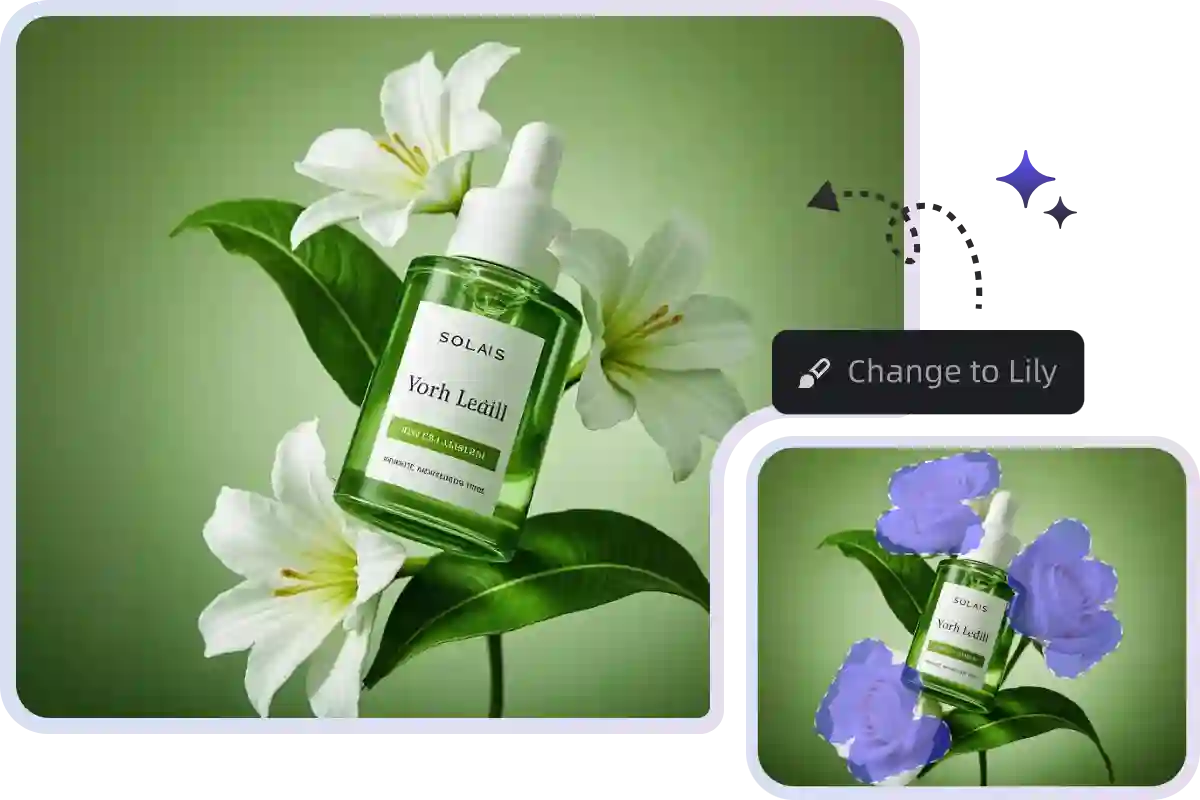
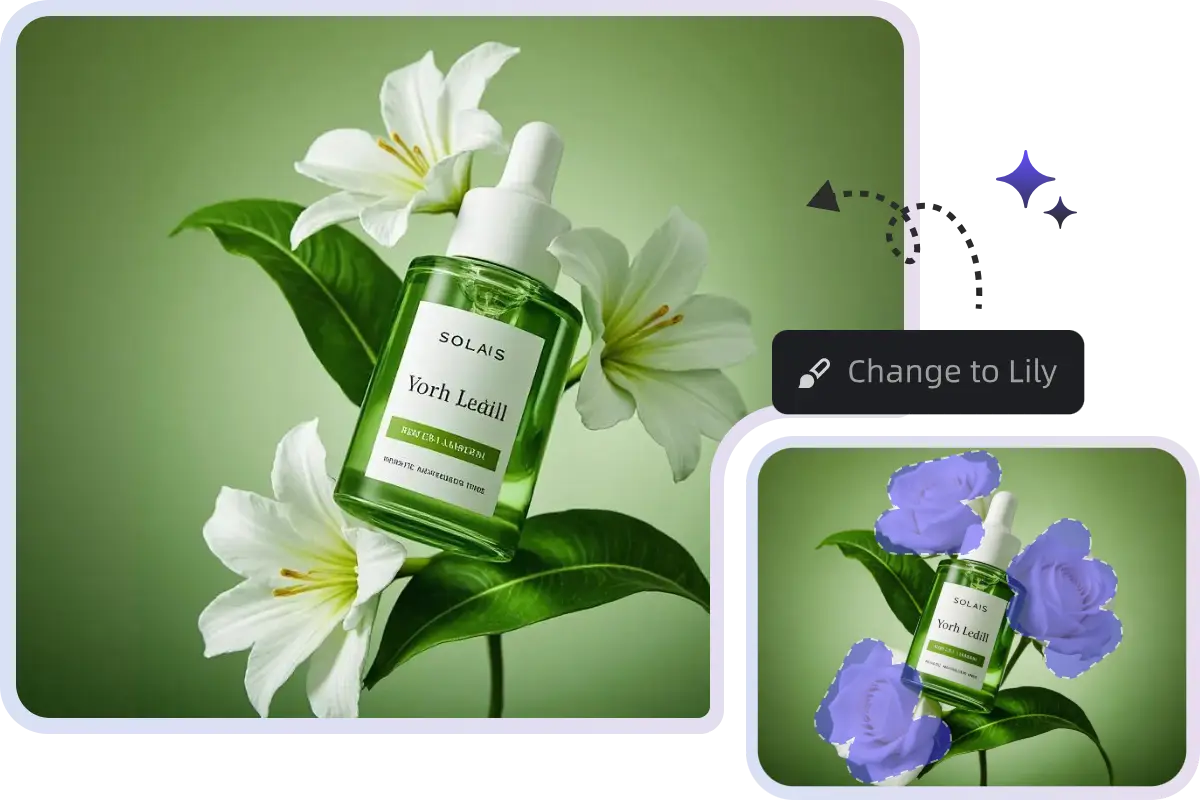
Describe what you want to add, remove, or modify. AI instantly generates realistic content that matches lighting, texture, and perspective.
No complex layers. No masking. Just select an area and type your idea, even non-designers can create professional edits in seconds.
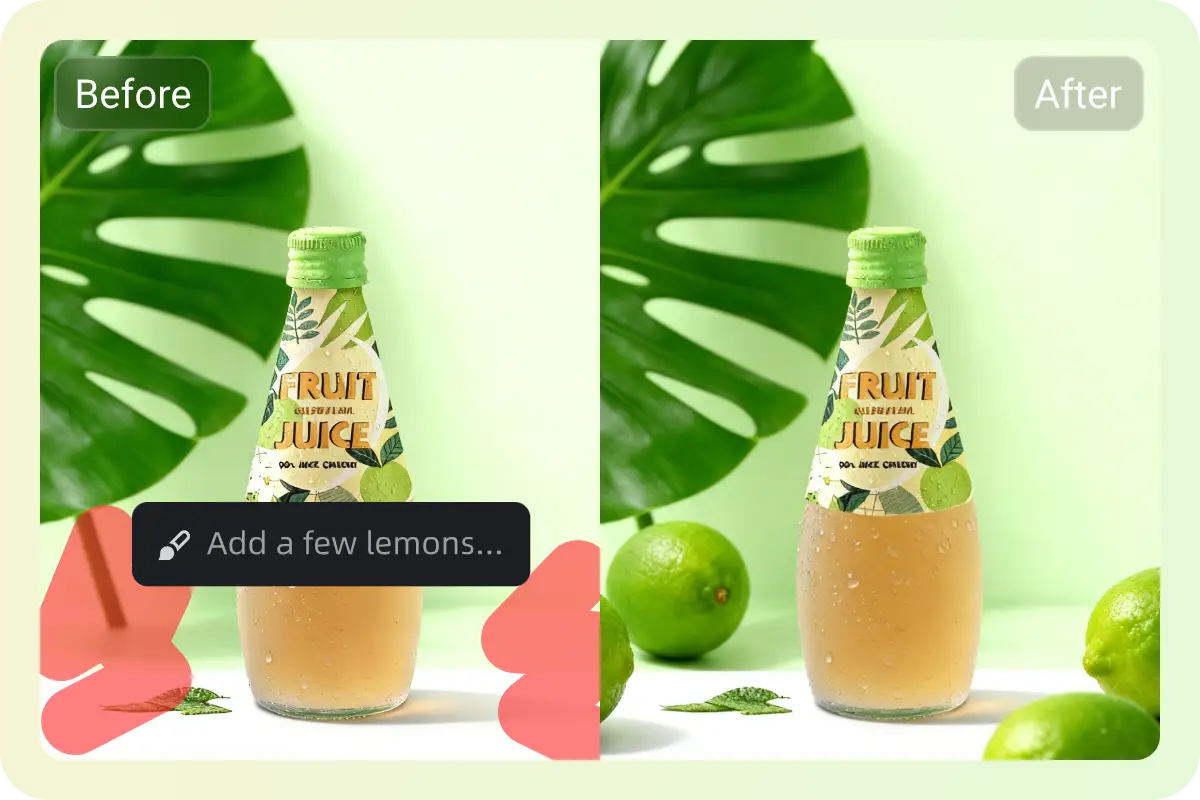
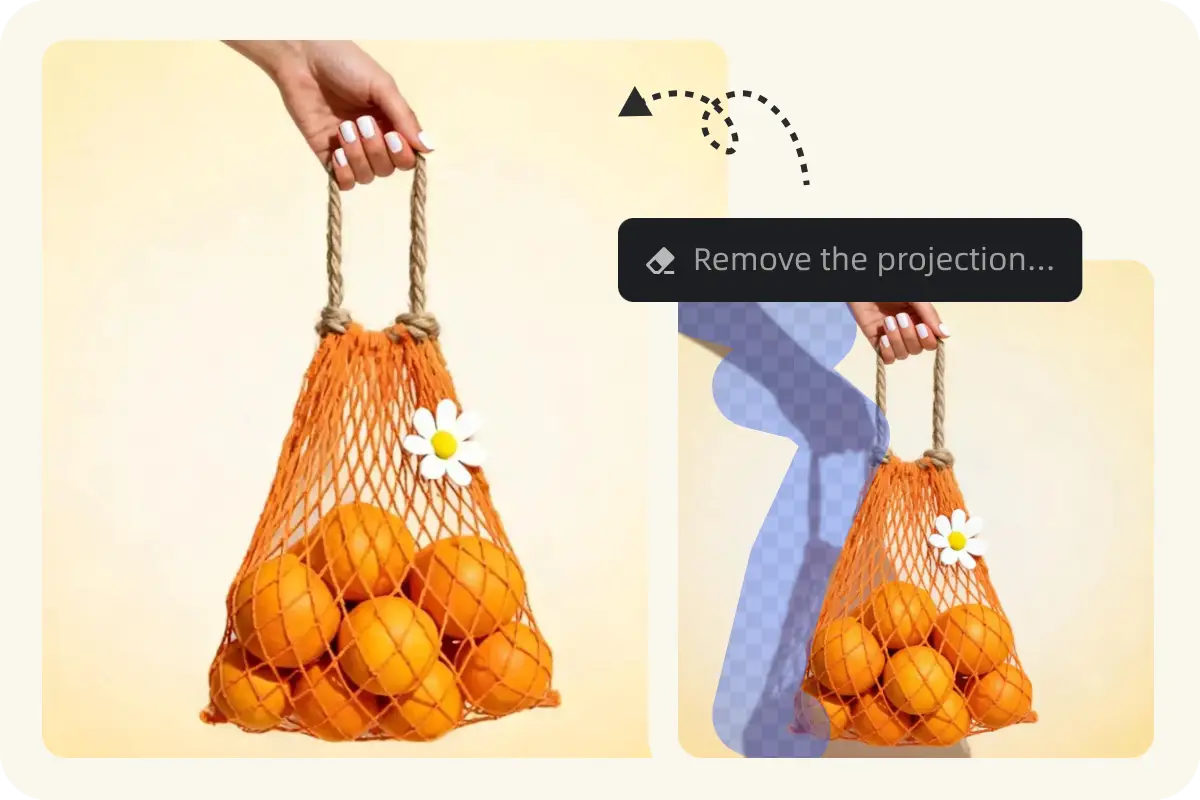
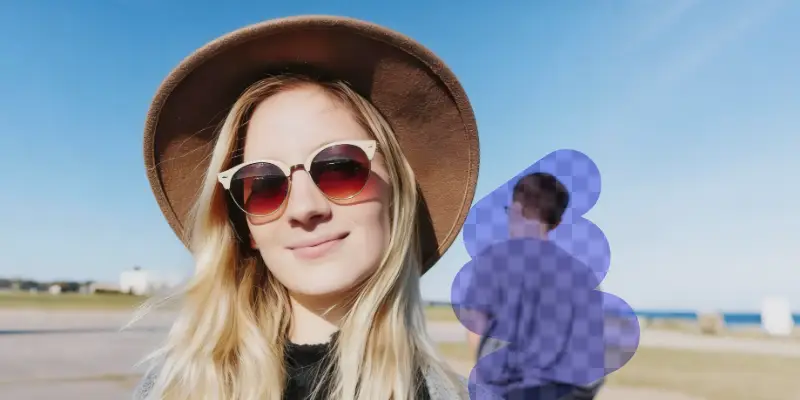
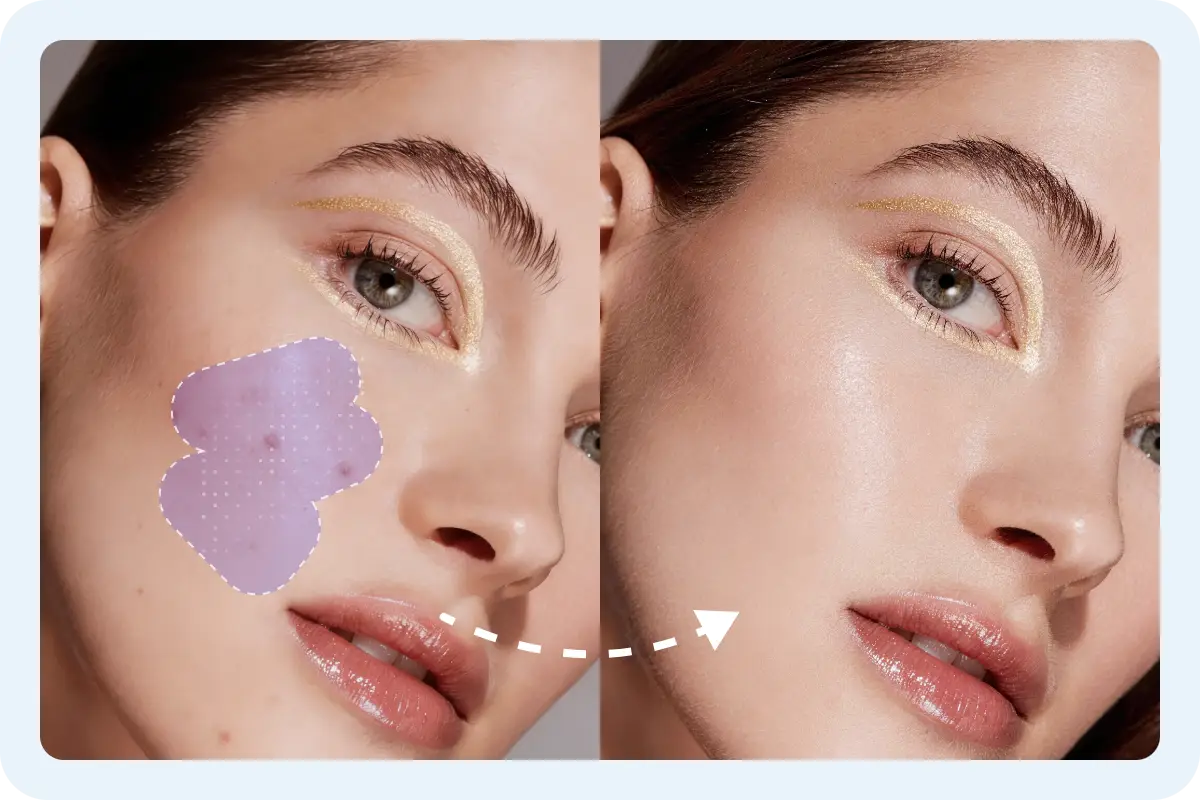
Delete unwanted objects, text, or people effortlessly.
AI intelligently fills the selected area with context-aware content, keeping your image natural and seamless.
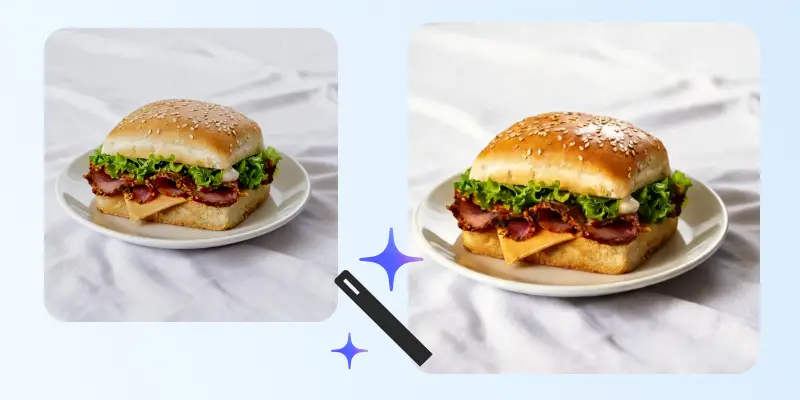
Reconstruct missing areas and enhance fine details automatically.
Perfect for restoring old photos, repairing scratches, or improving low-resolution product shots without visible artifacts.
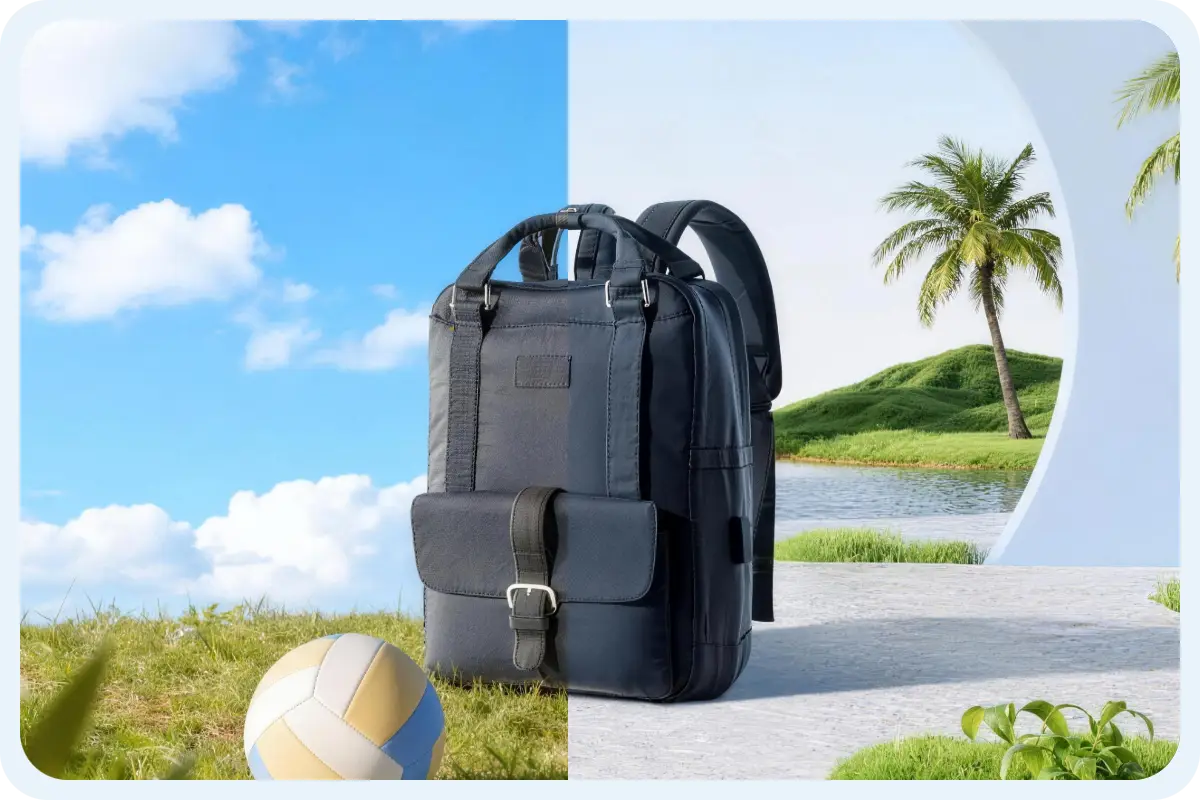
Turn a single product shot into multiple lifestyle scenes. Match lighting, perspective, and brand style automatically, no reshoots, no studio setup.
Ideal for marketplaces, ads, social media, and landing pages.
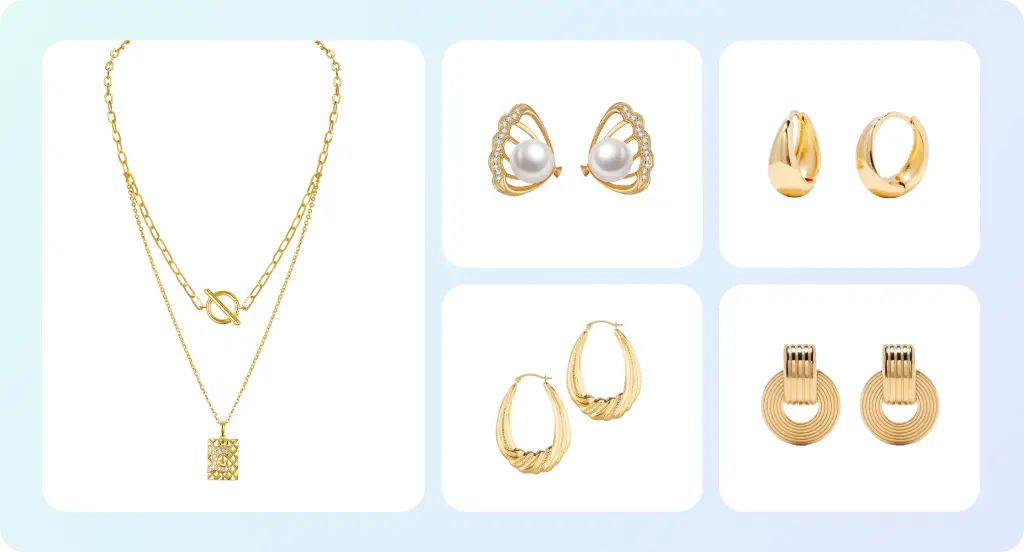
Remove distractions or generate clean product scenes with AI generative fill. Create perfect platform-ready visuals for Amazon and Shopify.
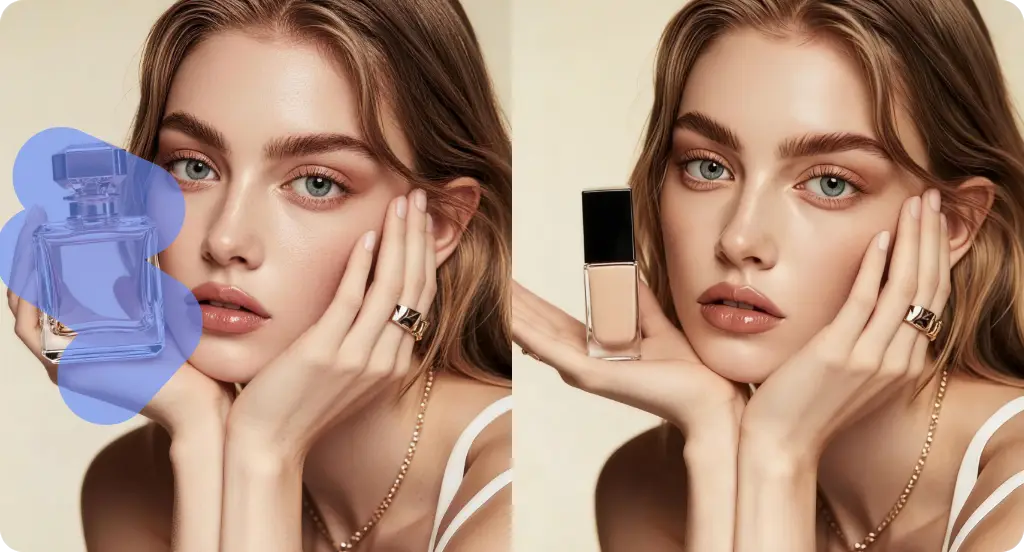
Fix awkward crops and fill missing areas faster than manual retouching. Reduce reshoots and external retouching for small, frequent changes.
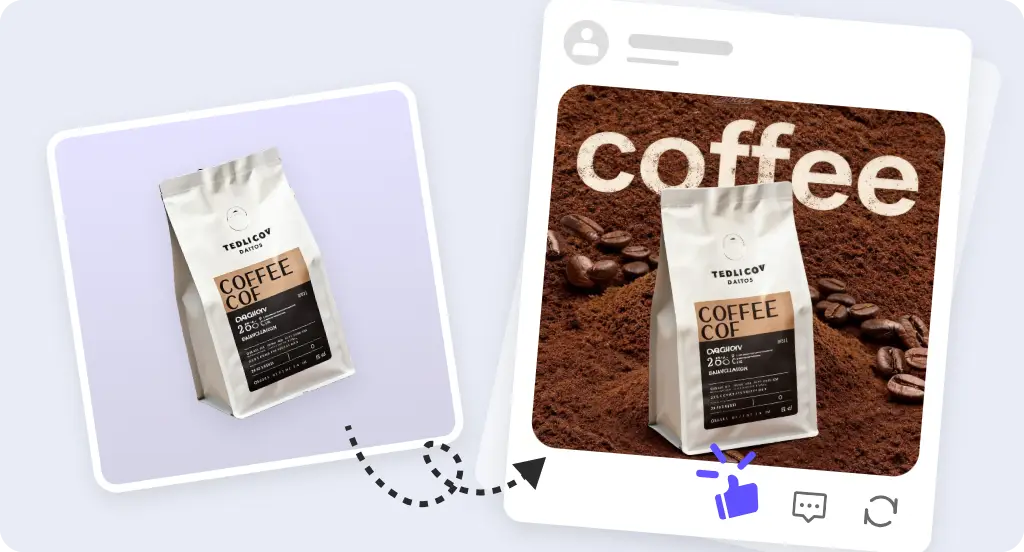
Generate eye-catching visuals for ads, landing pages, and social posts. Quickly adapt visuals to different platforms and test creative variations.
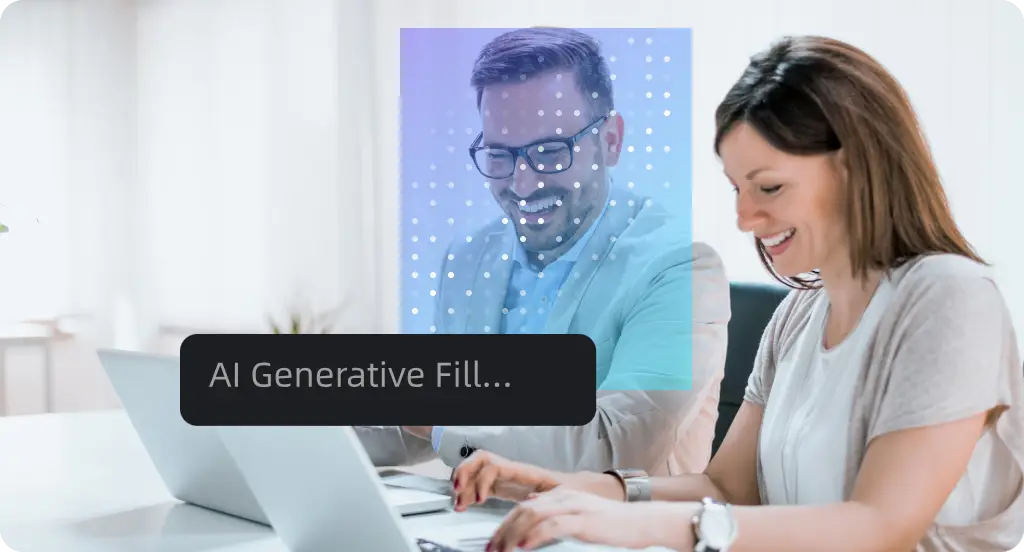
Simplify visual content creation with AI generative fill—quickly edit or customize images for presentations, reports, and internal communications.
Drag and drop your product photo or select it from your device.
Mark the area you want to edit. Or type what you’d like to remove, add, or change.
Choose Standard Generate (Free) for quick edits, or HD Generate (High Quality) for final assets that go straight to your online store or ad campaigns.
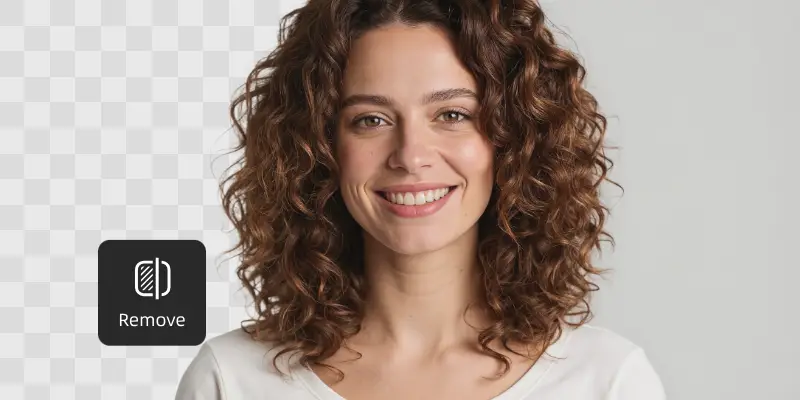
Remove backgrounds instantly with one click. Perfect for creating clean product shots.
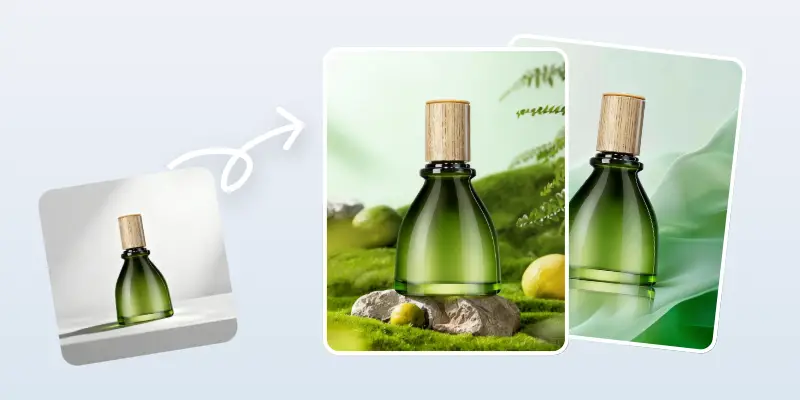
Generate studio-quality backgrounds in seconds, from clean white to immersive lifestyle scenes.
AI Generative Fill uses artificial intelligence to automatically remove, generate and modify parts of an image based on context and text instructions.
Yes, you can use images edited with UltraPic’s AI Generative Fill for commercial projects such as online stores, ads, and social media, as long as you comply with our Terms of Service and the original image rights.
Turn your ideas into realistic images in seconds. Remove, add, or replace, powered by UltraPic AI.